
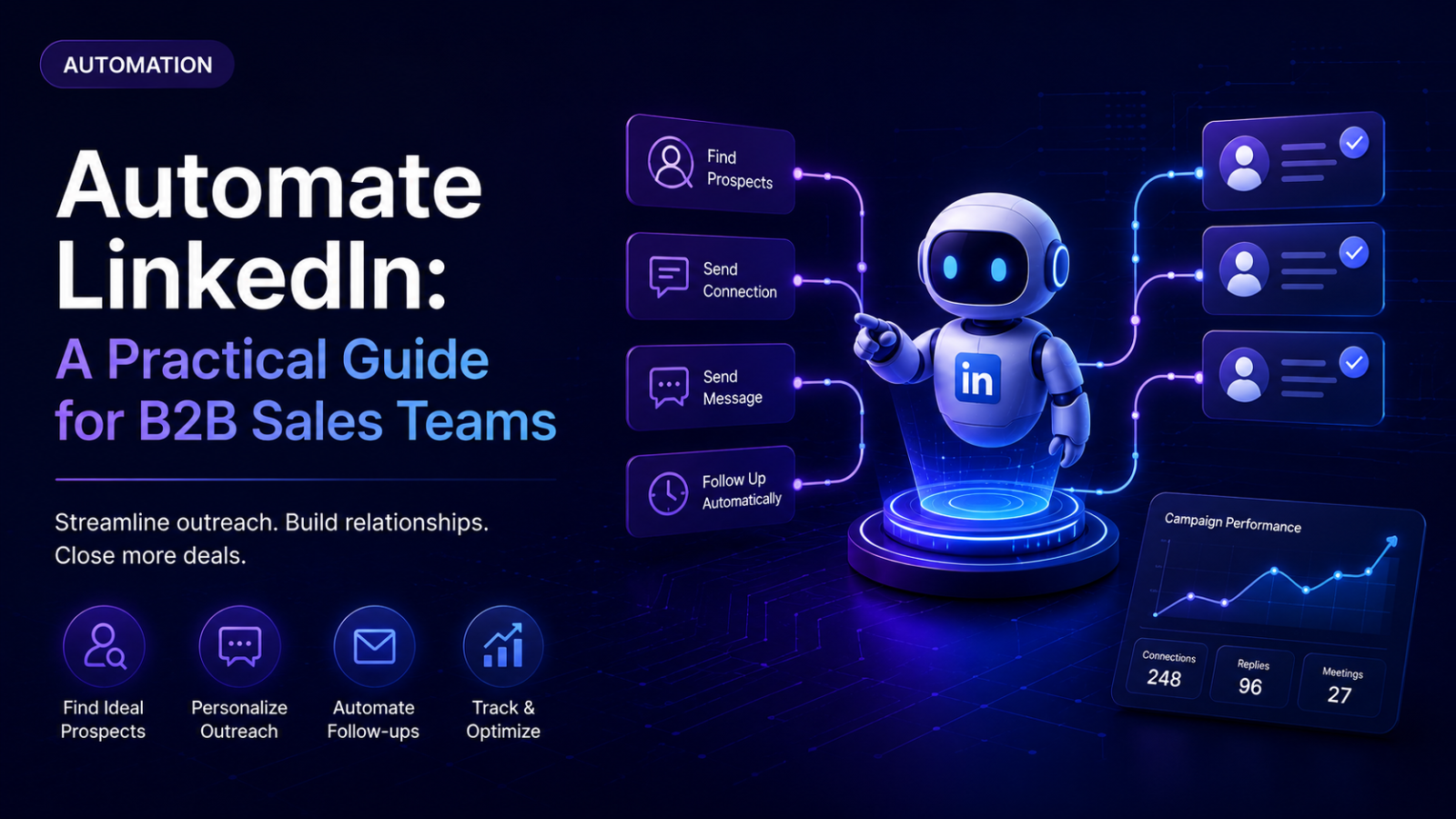
Automating LinkedIn means using software to handle the repetitive mechanics of outreach — sending connection requests, follow-up messages, and profile actions on a schedule and logic you define — while you handle the parts that actually require judgment: strategy, targeting, and real conversations. Done well, it turns a process that doesn't scale past a handful of messages a day by hand into something that runs consistently across dozens of prospects. Done badly, it turns into exactly what gets accounts restricted. This guide is the difference between the two: what automation actually means, the real step-by-step workflow, the specific mistakes that break it, and a full worked example.
What "Automate LinkedIn" Means, and When It Actually Matters
Automation, done correctly, isn't about removing the human element — it's about removing the repetitive element so a human's time goes toward the parts that genuinely need attention: writing a strategy, reading a reply, deciding how to respond to something nuanced. A connection request sent by a script at 2pm on a Tuesday and one sent by a person at 2pm on a Tuesday should look identical to anyone receiving it. The difference isn't visibility — it's that the automated version can happen consistently, at real volume, without someone manually clicking through it every time.
It matters once manual outreach genuinely can't keep up. For a single person sending a handful of thoughtful, personalized messages a day, automation adds complexity without much benefit — the volume is low enough that doing it by hand is manageable, and the process of doing it manually often surfaces useful signal about what's actually working. The point where automation starts paying for itself is roughly where volume exceeds what one person can sustain with real attention to each message — commonly somewhere around 15-25 meaningful touches a day, or the moment outreach needs to run across more than one LinkedIn account at once.
It matters less — or not yet — during early message and targeting validation. If the ICP or message angle hasn't been tested yet, automating it just means scaling an unvalidated approach faster. The better sequence is: validate manually with a small batch first, confirm the message and targeting actually work, then automate the parts that are proven.
The Workflow: How to Automate LinkedIn Step by Step
Step 1: Validate manually before automating anything
Send the first 20-30 messages by hand, to real prospects, with the actual message and targeting you're planning to scale. This isn't a formality — it's the fastest way to catch a broken message or a mistargeted list before that mistake runs at volume. Automating a message that doesn't work just produces a larger, faster failure.
Step 2: Choose cloud-based execution over a browser extension
This is a real, meaningful distinction, not a marketing preference. A browser extension runs inside your own browser session, and LinkedIn's detection systems can identify automation scripts operating through browser permissions directly. Cloud-based tools execute from external infrastructure with proper IP handling, so the activity reads as a normal web session rather than a script layered on top of the page. The cost difference between the two categories of tool is usually modest; the risk difference is not.
Step 3: Set up account safety fundamentals before sending anything
Each LinkedIn account running outreach needs its own dedicated, consistent IP — ideally residential rather than shared or datacenter-based — since datacenter IPs are close to an instant red flag to LinkedIn's systems. New or dormant accounts need a gradual ramp-up period rather than launching at full volume immediately: starting conservatively (roughly 10-15 actions a day) and increasing gradually over two to three weeks is standard practice, since an account flagged before it's established costs far more time than the slower ramp would have. Established accounts have more headroom, generally topping out somewhere in the 100-200 connection requests per week range depending on account trust — but LinkedIn's detection weighs pattern as much as raw count, so identical timing and sudden volume spikes matter regardless of whether you're technically under the weekly cap.
Step 4: Build the sequence with real branching, not a fixed linear timeline
A sequence that sends the same next message regardless of what the prospect actually did is the single most common way automation reads as automation. A working sequence checks connection status and reply status at each step and branches accordingly — a different message if someone accepted but hasn't replied than if they haven't accepted at all. This is the core difference between "automation" and "a script that fires the same thing at everyone on a timer."
Step 5: Explicitly handle the closed-profile gap
This is a genuinely underappreciated mechanical detail: second- and third-degree connections with closed profile settings can't receive a regular connection request or direct message the way an open profile or existing connection can. A campaign that doesn't account for this doesn't error out — it silently skips those leads, with no notification that a real portion of the target list was never actually contacted. Depending on the tool, the options are: send a paid InMail to reach closed profiles directly (consuming Sales Navigator InMail credits), or consciously accept that closed-profile leads on the list won't be reached through this specific channel and plan a different touch (like email) for them instead. Either is a legitimate choice — silently not knowing which leads fell into this gap is the actual problem.
Step 6: Automate reply detection, not reply decisions
Every reply should automatically pause further scheduled messages to that specific lead — this is a baseline expectation across essentially every legitimate automation tool, and its absence is what causes the awkward experience of someone replying and then still receiving a scripted follow-up two days later. Beyond pausing, some setups go further and use AI to draft a suggested reply based on the conversation — that's reasonable, but the send decision itself is worth keeping as a human approval step, at least until message quality is proven reliable, rather than letting a draft go out unreviewed.
Step 7: Layer in signal-based triggers once the basics are working
Once a straightforward list-based campaign is running reliably, a more advanced pattern worth considering is triggering outreach off of real signals rather than a static list — a target account posting a relevant job opening, someone engaging with a specific piece of content, a role change at a target company. Tools like Clay are commonly used for this enrichment and signal-detection layer, feeding qualified, contextual leads into the outreach tool automatically rather than requiring a manual list rebuild each time. This is a genuine step up in relevance, but it's worth adding after the fundamentals are solid, not as the starting point.
Step 8: Monitor by funnel stage, not one blended number
Every outreach effort moves through the same checkpoints: connection acceptance, reply, positive reply, and booked meeting. Automation makes it easy to look at "campaign is running" and stop there — but a healthy acceptance rate with a weak reply rate is a messaging problem, and a healthy reply rate with a weak positive-reply rate is a targeting problem. Automated reporting is only useful if someone's actually checking which specific stage needs attention.
Common Failure Modes and How to Avoid Them
Automating before the message and targeting are validated. This just scales a mistake faster and with less visibility into why it's not working — always validate manually first at small volume.
Relying on a browser extension for meaningful volume. The detection gap between browser-based and cloud-based tools is real and well-documented across the industry — this is one of the few places where the "safer" option and the "better" option are the same choice.
Running a fixed linear sequence with no branching logic. Sending the same next message regardless of whether someone accepted, replied, or did neither is the clearest automated-vs-human signature LinkedIn's detection and human recipients both notice.
Not accounting for the closed-profile gap. A meaningful share of any list — especially senior or passive prospects — will have closed profiles, and a campaign that silently skips them isn't actually reaching the full list it appears to be running against.
No pause-on-reply logic. Sending a scripted follow-up to someone who already replied is one of the fastest ways to make outreach look automated regardless of how good the earlier messages were.
Full unsupervised auto-send on AI-drafted replies. AI-assisted drafting is genuinely useful, but removing the human review step entirely — especially early on — risks a nuanced or ambiguous reply getting a wrong or tone-deaf automated response with nobody catching it before it sends.
Treating a launched campaign as "done." Automation still needs the funnel checked by stage regularly — acceptance rate drifting down, reply rate slipping — since these are early warning signs, and automation doesn't remove the need to notice them, it just means nobody's forced to notice by the manual effort of sending each message.
A Practical Outflo Example
Here's what this workflow looks like end to end, run through Outflo specifically, for a team automating outreach to a validated ICP.
Manual validation, first: before building anything automated, the team sends 25 messages by hand to confirm the message angle and targeting actually produce replies worth scaling.
Account setup: each LinkedIn account connected to Outflo runs on its own dedicated residential IP, independent of every other connected account, so no single account's activity pattern affects another's. A newly added account ramps up gradually rather than launching at the same volume as an established one.
Sequence design: inside Outflo's Smart Sequence builder, the team sets up real branching — checking connection status first, then reacting differently depending on whether the request was accepted, and whether a subsequent message was read. This isn't a fixed three-message timeline; it's a decision tree that adapts per lead.
Personalization: AI personalization pulls from each prospect's actual recent LinkedIn activity when drafting the opening message, rather than inserting a name into a static template — directly addressing the "reads as automated" problem at the message level, not just the sequencing level.
Reply handling: every reply automatically pauses that lead's remaining scheduled steps. Replies land in Outflo's Unified Smart Inbox regardless of which connected account received them, so nothing sits unseen in one specific sender's inbox. The team reviews and sends replies themselves rather than using unsupervised auto-send, at least until they've built confidence in message quality at scale.
Monitoring: campaign analytics get checked by stage — acceptance rate, reply rate, and (checked manually against actual reply content) positive reply rate — rather than as one blended "campaign performance" number, so a dip in one specific stage gets caught and diagnosed rather than lost in an aggregate.
This is one realistic version of the workflow — the specific volume, ramp speed, and review cadence will vary by team, but the sequence of decisions holds regardless of scale.
Checklist and Next Steps
- Message and targeting validated manually at small volume before any automation is set up
- Cloud-based tool selected, not a browser extension, for anything beyond minimal volume
- Each account has its own dedicated IP and an independent activity pattern from every other connected account
- New accounts ramp gradually rather than launching at full volume immediately
- Sequence branches on real outcomes (accepted/not, replied/not) rather than firing the same message on a fixed timer
- Closed-profile handling is a deliberate decision, not a silent gap — either InMail is used to reach them, or they're consciously routed to a different channel
- Every reply automatically pauses further scheduled messages to that lead
- AI-drafted replies get human review before sending, at least until message quality is proven
- Funnel tracked by stage — acceptance, reply, positive reply — not as one blended number
- Campaign performance reviewed on a regular cadence, not launched and left unchecked
Next step: if none of this is automated yet, start with Steps 1-4 only — manual validation, a cloud-based tool, basic account safety, and a branching (not linear) sequence. That alone covers the highest-risk mistakes. Add the closed-profile handling, signal-based triggers, and reply automation once the fundamentals are running reliably.
Want branching sequences, per-account safety, and a unified inbox handled for you? Start your free Outflo trial — no credit card required.
FAQ
Common questions
Q1: Is it safe to automate LinkedIn outreach?
A1: Yes, when done with proper account safety fundamentals — cloud-based execution rather than a browser extension, a dedicated IP per account, gradual warm-up for new accounts, and pacing within real platform limits. The risk comes from specific mistakes (browser extensions, no warm-up, fixed non-branching sequences, no pause-on-reply logic), not from automation itself.
Q2: What's the difference between a browser extension and a cloud-based LinkedIn automation tool?
A2: A browser extension runs inside your own browser session, which LinkedIn's detection systems can identify through browser permission signatures. A cloud-based tool runs from external infrastructure with its own IP handling, so the resulting activity reads as a normal web session rather than an automation layer on top of the page — a meaningfully lower detection risk for similar cost.
Q3: Why do some LinkedIn automation campaigns miss certain leads entirely?
A3: Second- and third-degree connections with closed profile privacy settings can't receive a standard connection request or direct message. Campaigns that don't account for this silently skip those leads rather than erroring out, which can mean a real share of a target list — often the more senior or passive prospects — was never actually reached.
Q4: Should AI handle LinkedIn replies automatically?
A4: AI can reasonably draft a suggested reply based on the conversation, but keeping a human review step before sending is worth it, especially early on — an ambiguous or nuanced reply sent automatically without review risks a wrong or tone-deaf response going out with nobody catching it.
Q5: How do I know if my automated LinkedIn campaign is actually working?
A5: Check acceptance rate, reply rate, and positive reply rate as three separate numbers rather than one blended read. A healthy acceptance rate with weak replies points to a messaging problem; healthy replies with weak positive replies points to a targeting problem — automation doesn't remove the need to diagnose which stage actually needs attention.
