How to Build a LinkedIn and Email Outreach Campaign with OutFlo and Instantly
Build a LinkedIn-first sequence, add an Instantly email handoff, and handle replies with or without Instantly webhooks.
We use essential technologies to keep this site running. With your permission, we also use analytics, advertising, and functional tools to understand and improve it.Read our Privacy Policy
OutFlo Help Center
Clear setup guides, product walkthroughs, and troubleshooting notes for running LinkedIn outreach with confidence.

Build a LinkedIn-first sequence, add an Instantly email handoff, and handle replies with or without Instantly webhooks.
50 guides
Is Active on LinkedIn and OutFlo AI are out of beta. Find active prospects, write hyper-personalised messages, and send voice notes in your own voice, with a one-time credit gift to get started.
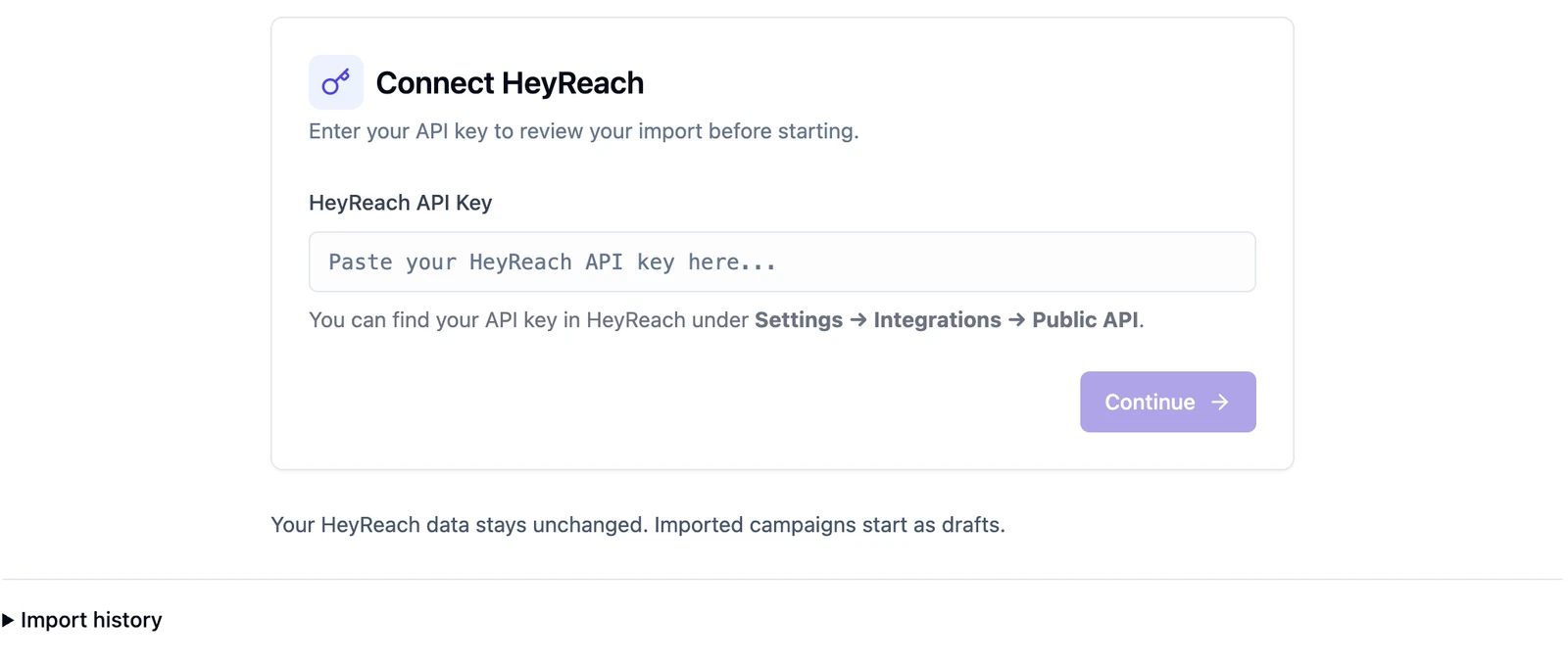
Move your HeyReach outreach into OutFlo, understand the import results, and reconnect senders before launching.
Choose LinkedIn checks and minimum scores, compare the two modes, and understand how leads take their next campaign branch.
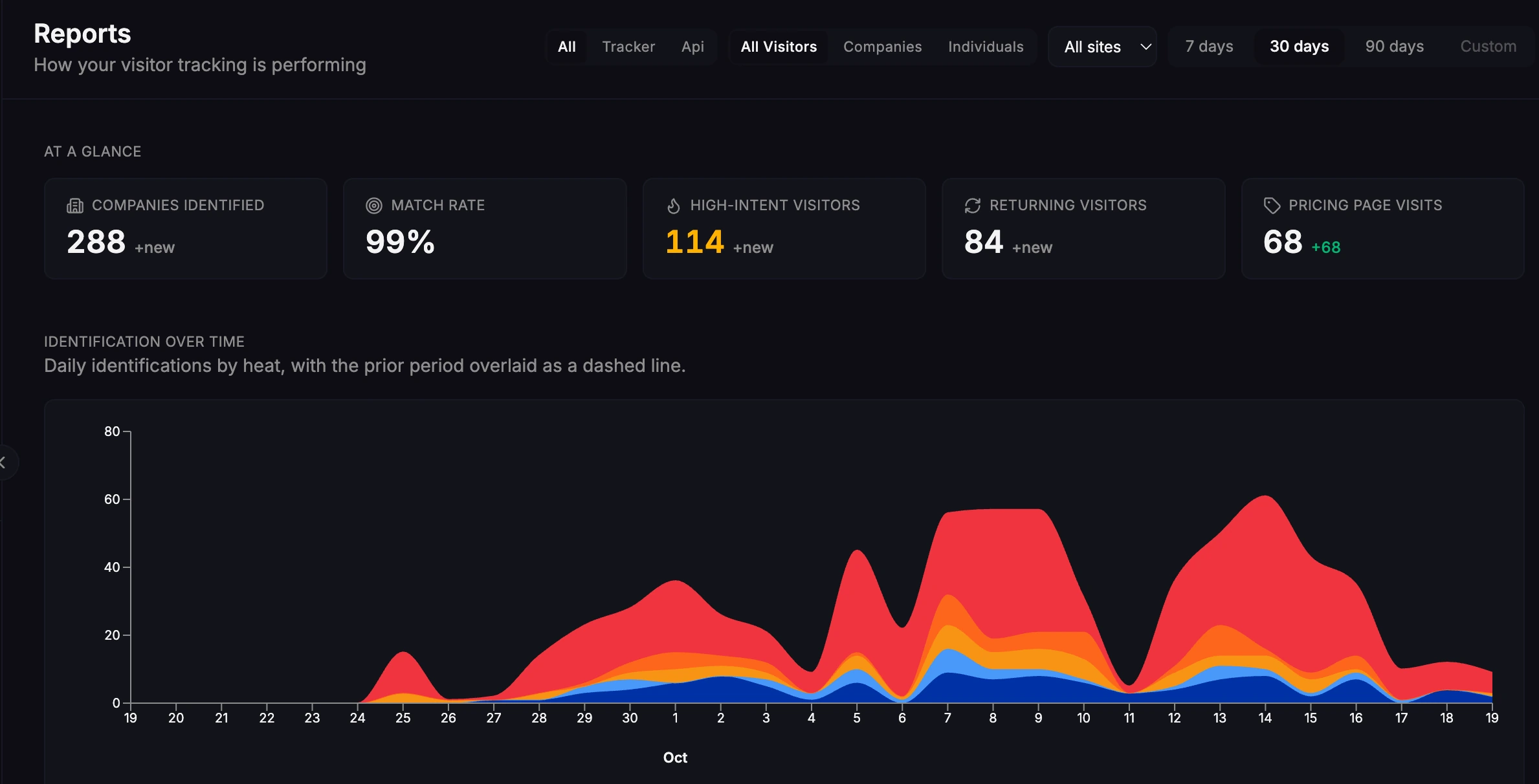
See how we use Warm AI to understand who is researching OutFlo before they fill in a form.
Choose a lead source, understand import results, recover failed imports and decide which campaigns receive new people.
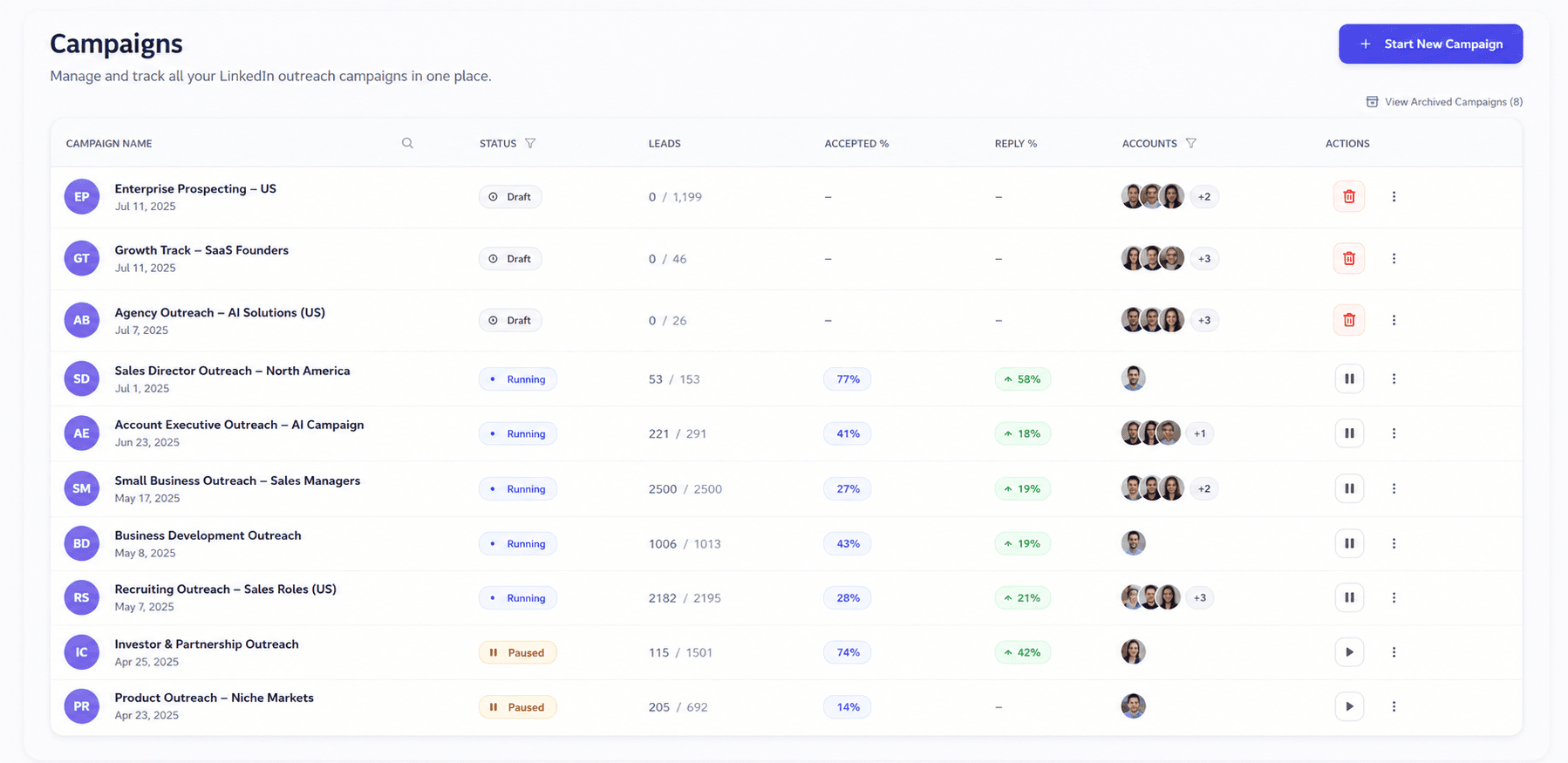
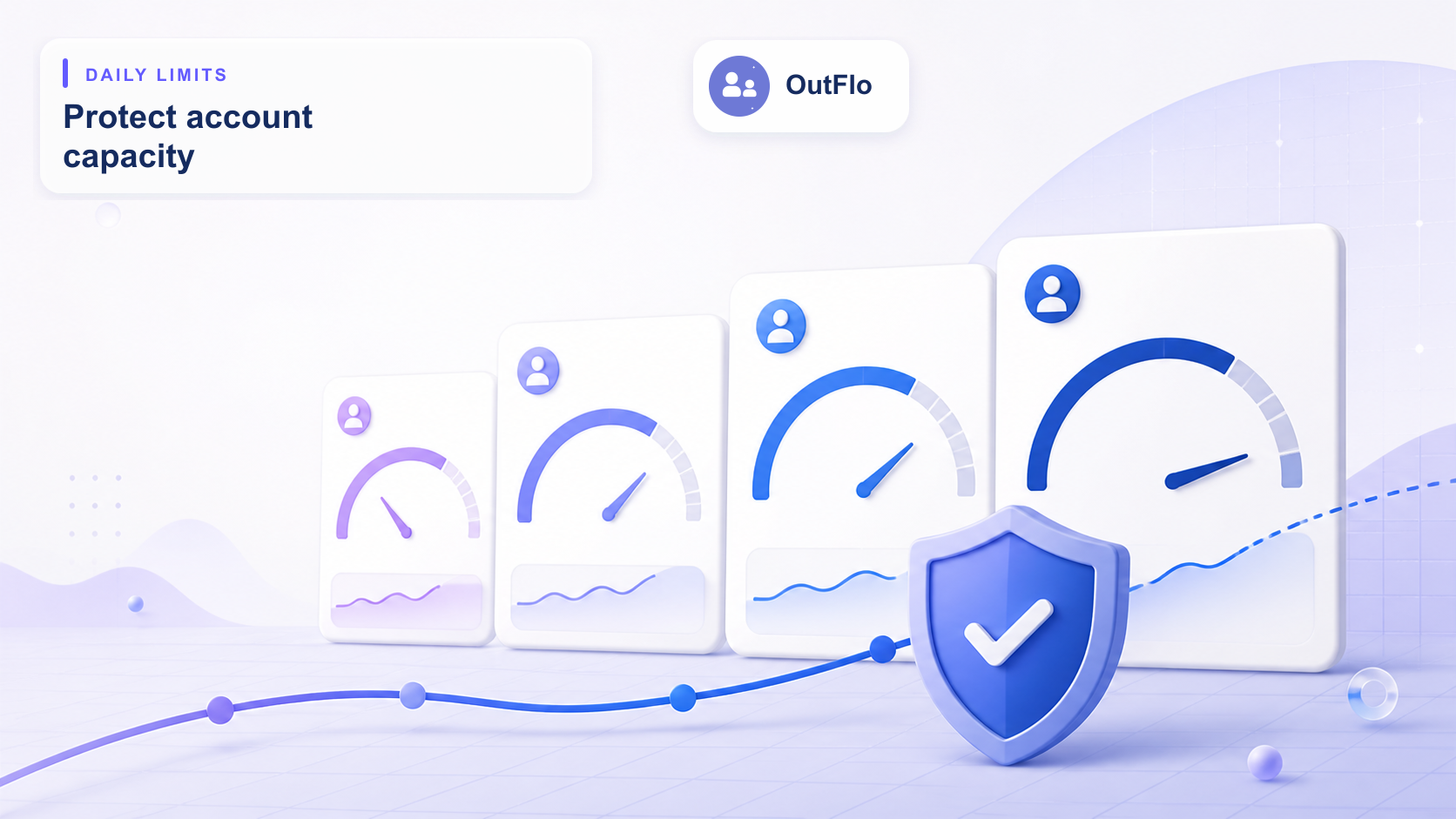
Understand sender limits, reserved capacity and draft allocations, then duplicate campaigns or reassign leads with the right checks.
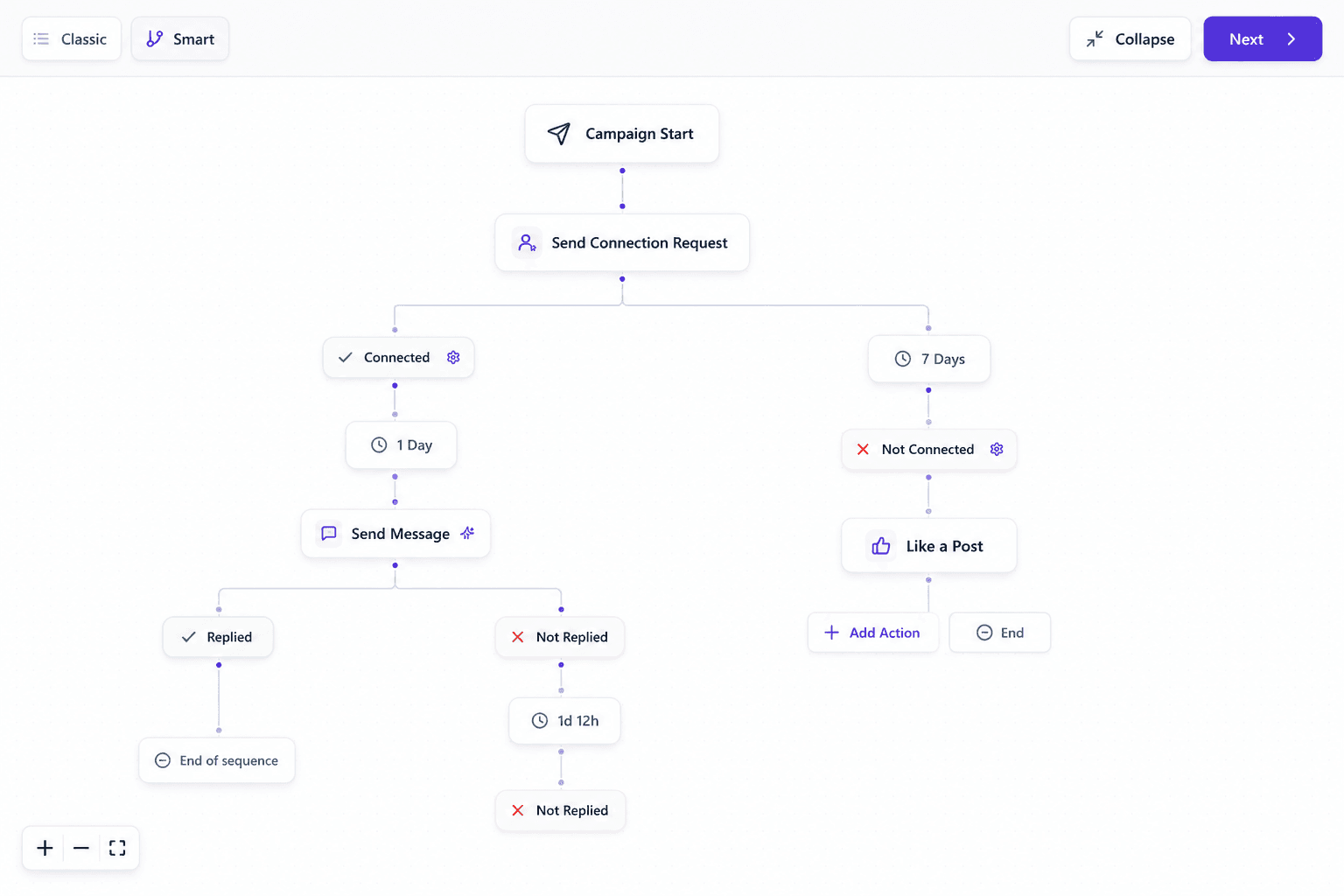
Plan actions, conditions and timing, understand stop and skip controls, and share a reusable sequence without carrying over recipients.
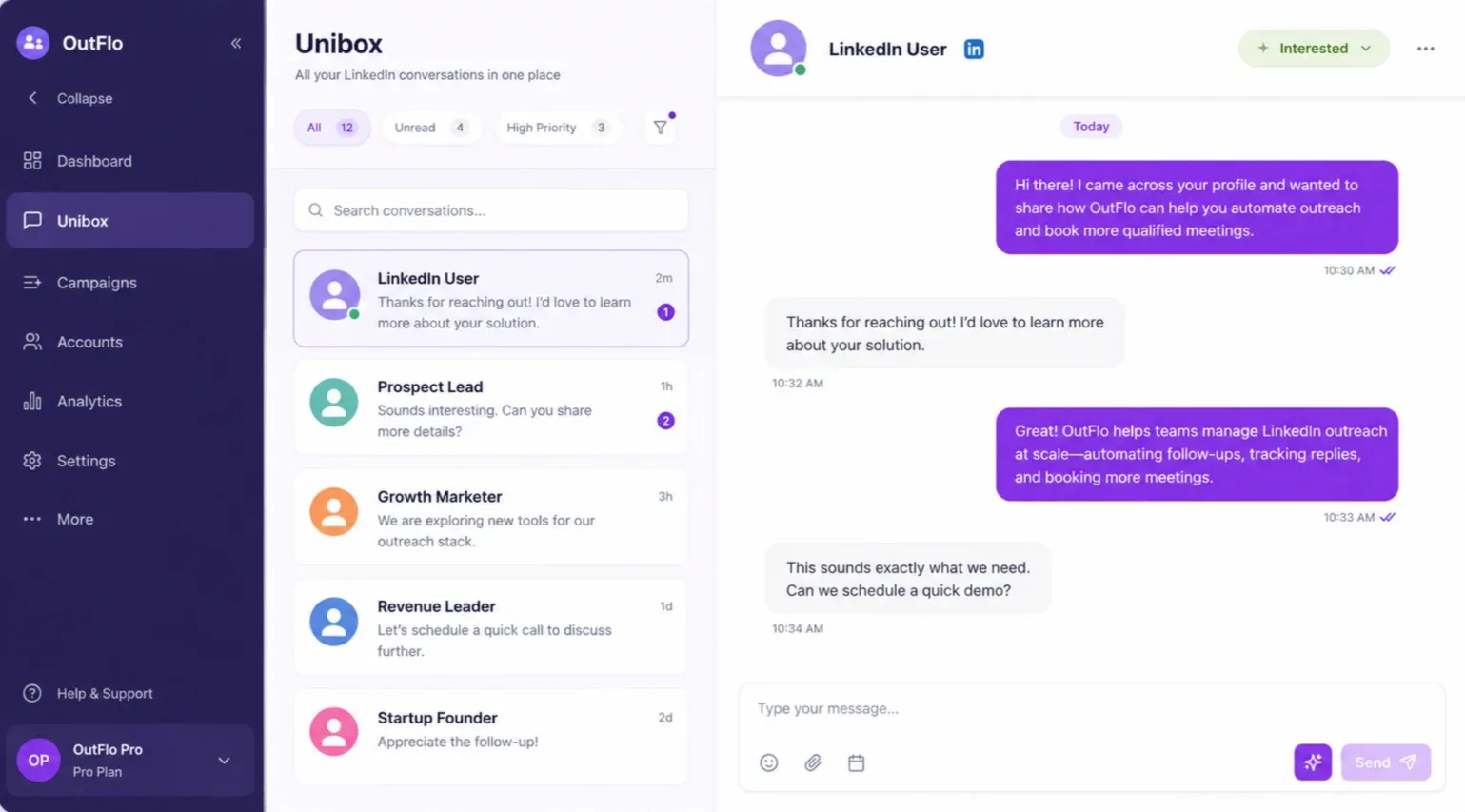
Use conversation and message search, precise tag filters, shared drafts and sync settings to manage replies across connected senders.
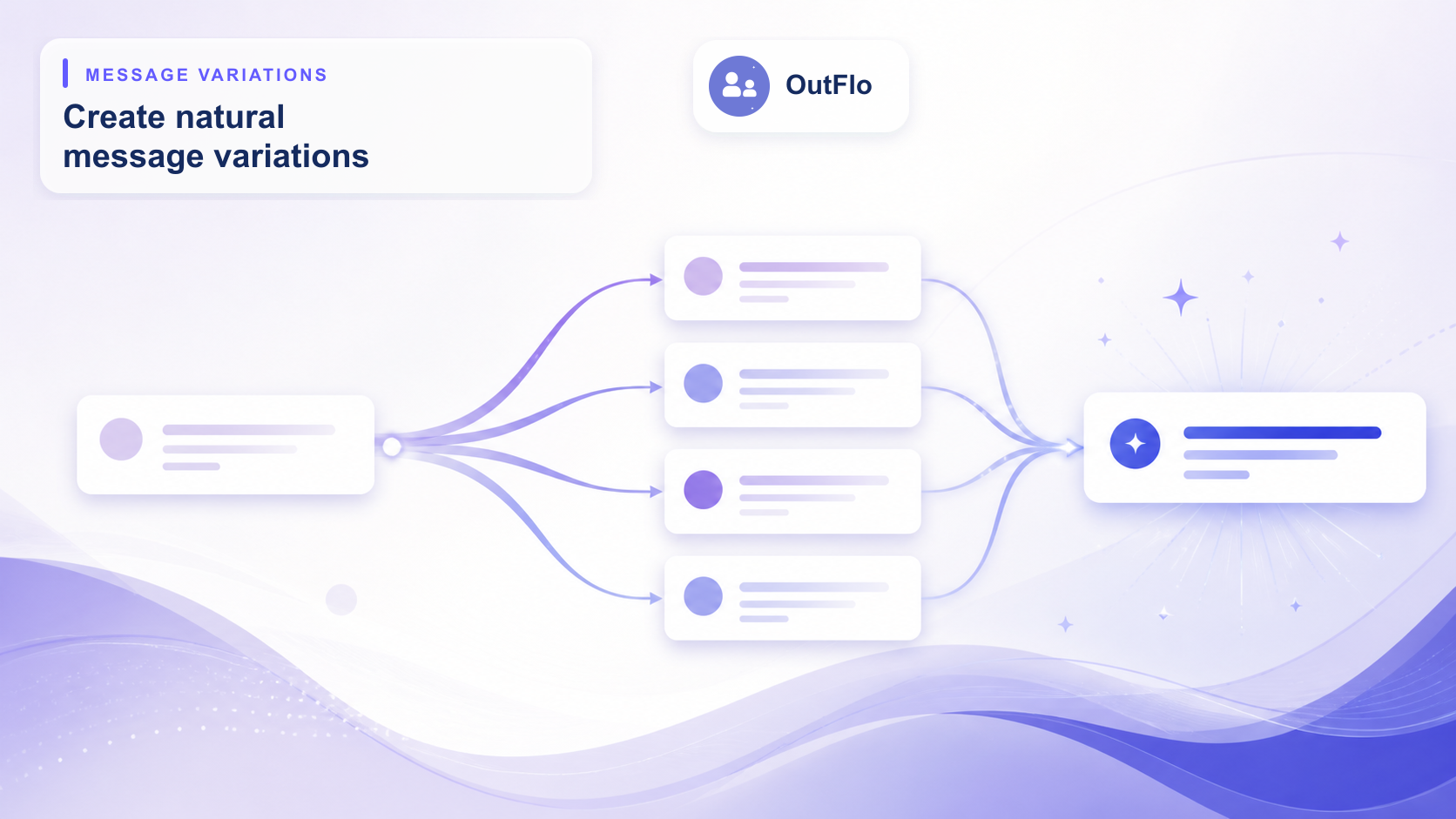
Choose useful AI context, map variables, handle missing values and review message variations before starting a campaign.
Choose recorded or generated audio, assign an authorized voice and check personalized scripts, pronunciation and delivery readiness.
Plan Copilot approvals, eligible Autopilot conversations, sender style, follow-ups and human takeover with AI Reply Setter.
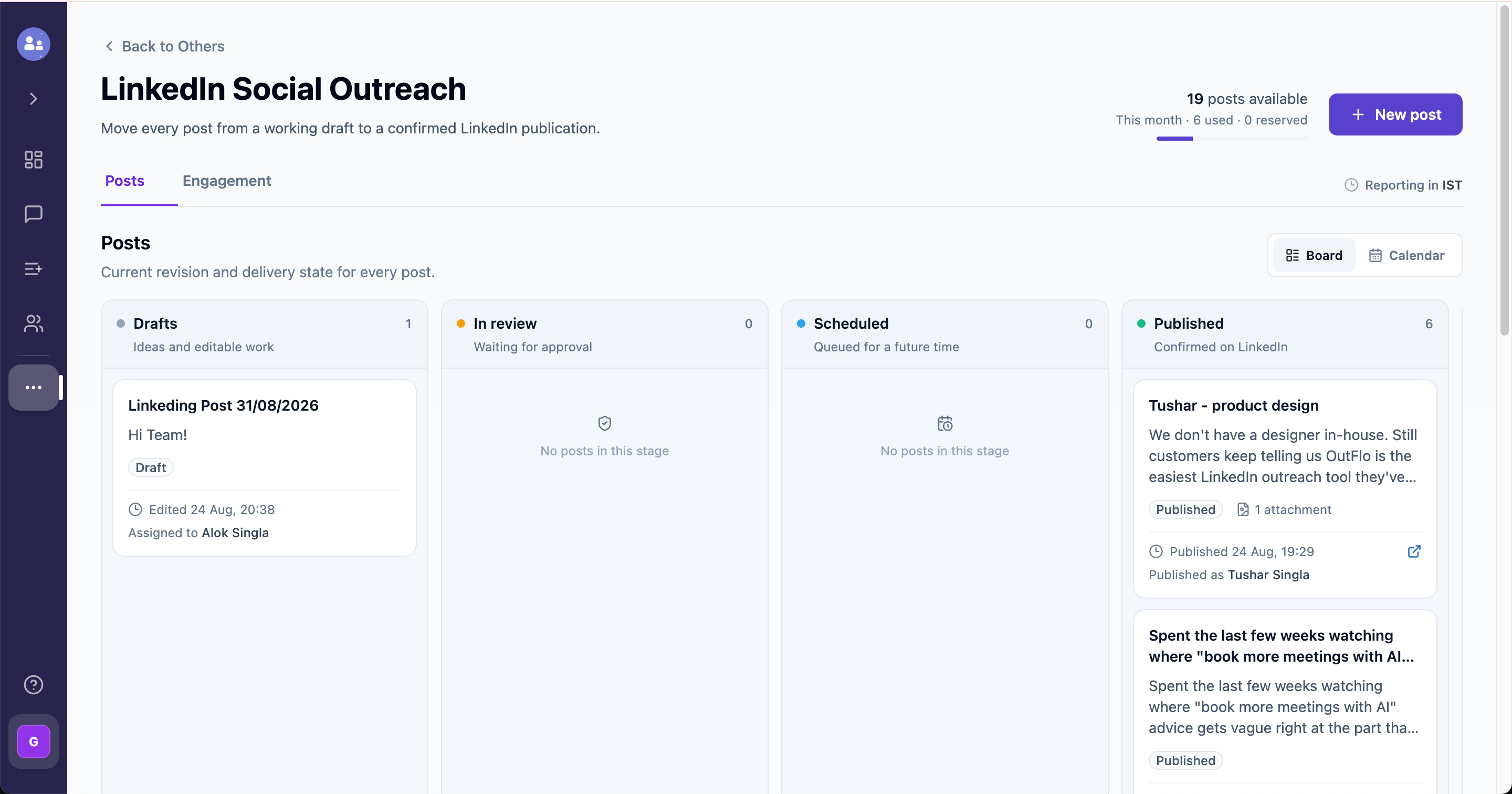
Prepare a sender-specific post, collect approval for the right revision, verify publication and manage deliberate social engagement.
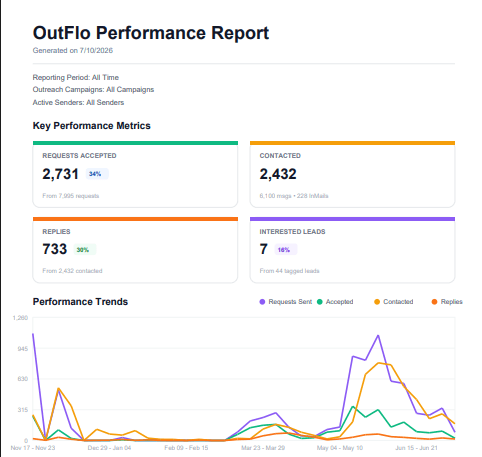
Scope campaign and sender results, define tag-based funnel stages, investigate changes and export a report your team can interpret.
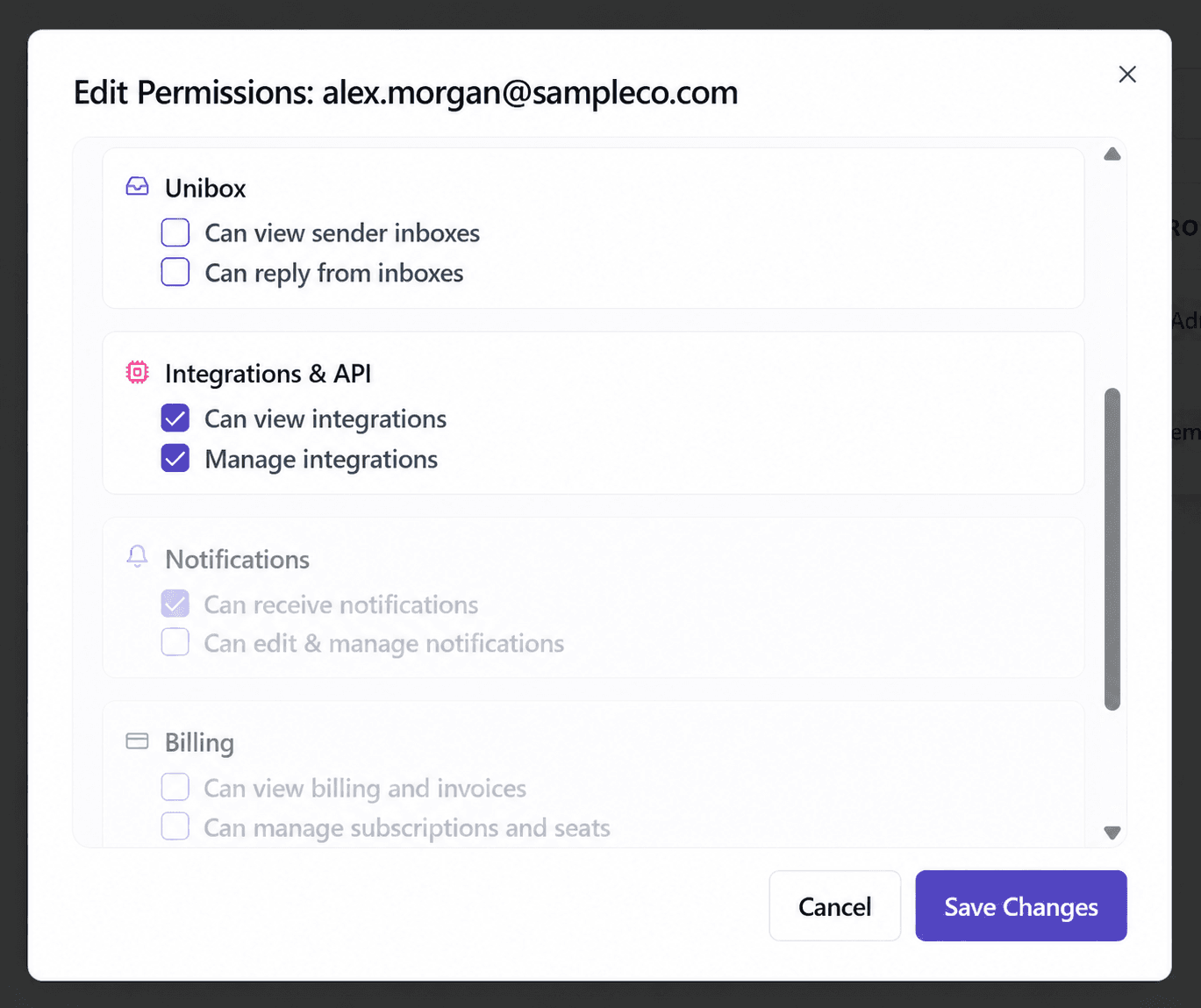
Organize client operations, assign members and verify account, campaign, inbox and billing permissions with a practical access checklist.
Check account connections, shared capacity, Do Not Contact scope and invitation controls, and preserve context when retiring a sender.
Inspect Snitchfeed mentions, triage your queue and deliberately add eligible LinkedIn people to a campaign or prepare social engagement.
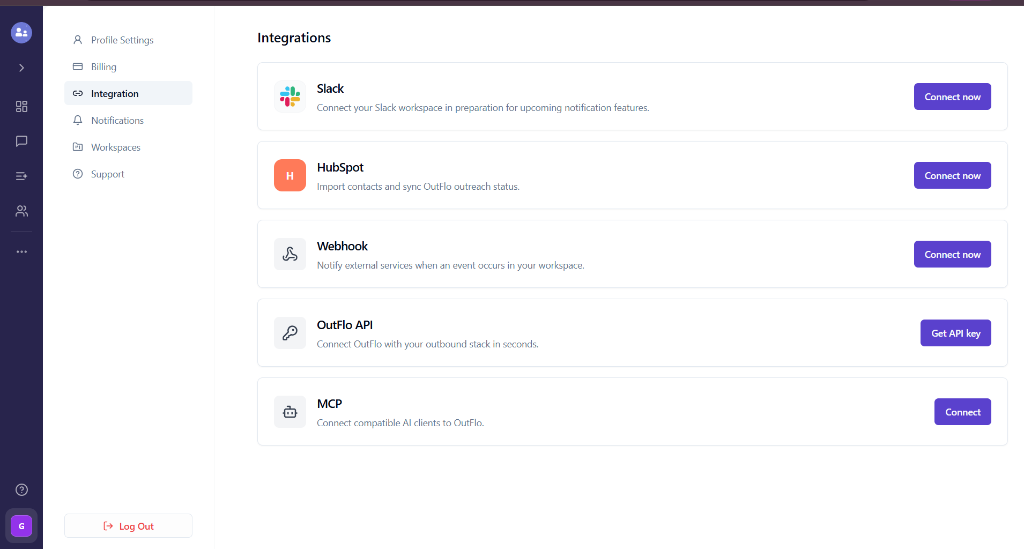
Choose the right integration, test event scope and mappings, and verify handoffs, webhooks and migration results before expanding a workflow.
Understand the difference between customer account credits and affiliate commissions, preserve link attribution and review program-specific eligibility.
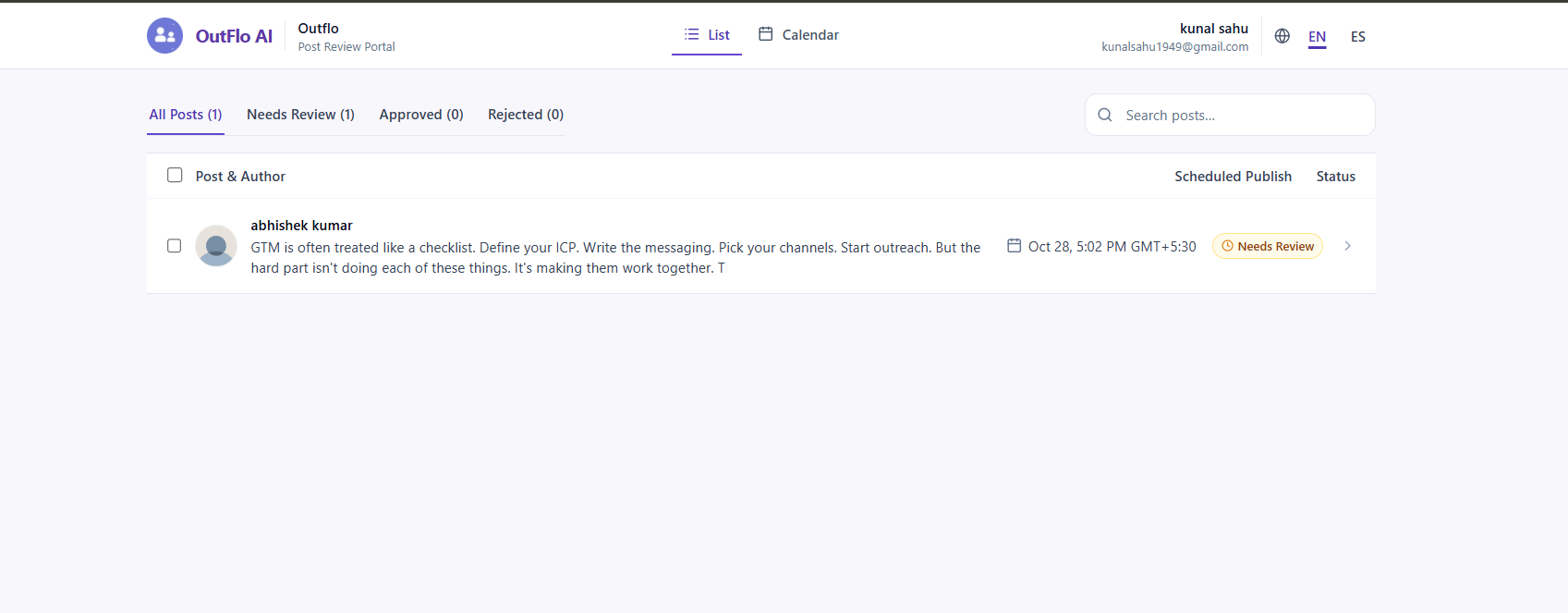
Get client approval before a LinkedIn post goes live. Add reviewers, send email invitations, and follow their feedback in OutFlo.
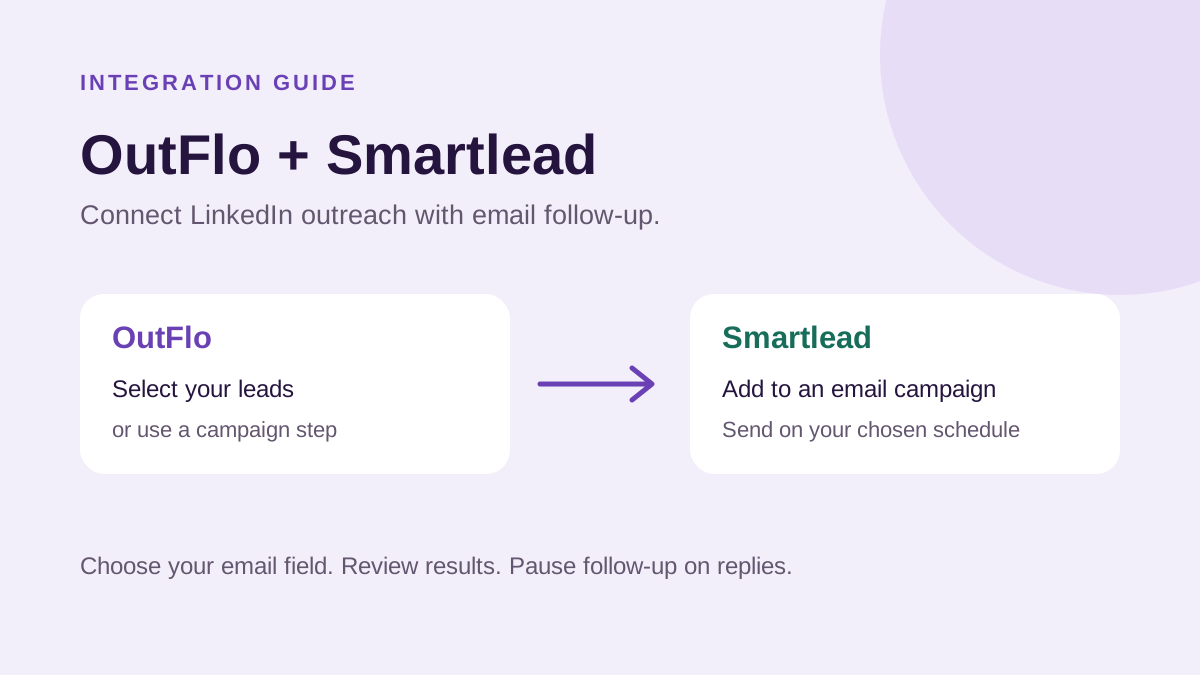
Connect Smartlead, choose where your leads go, and add email outreach to your OutFlo workflow.
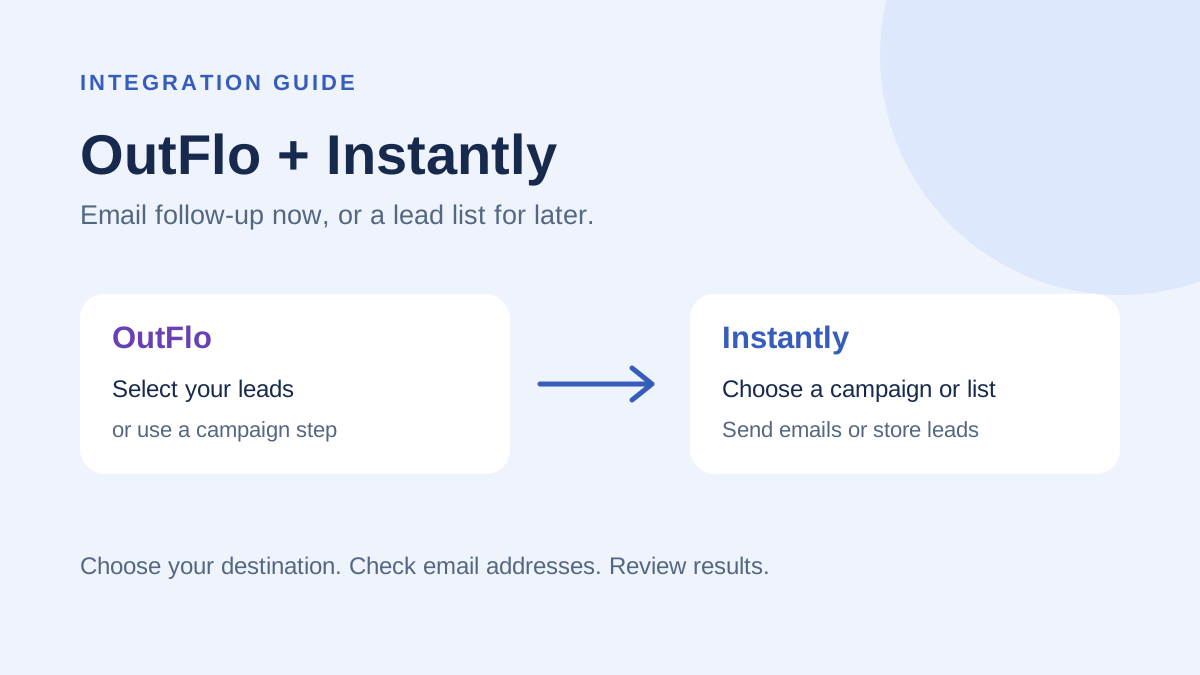
Connect Instantly and send OutFlo leads straight to an email campaign or a lead list for later.
A practical guide to sending custom lead data through MCP, using it in campaign copy, and configuring fallback behavior.
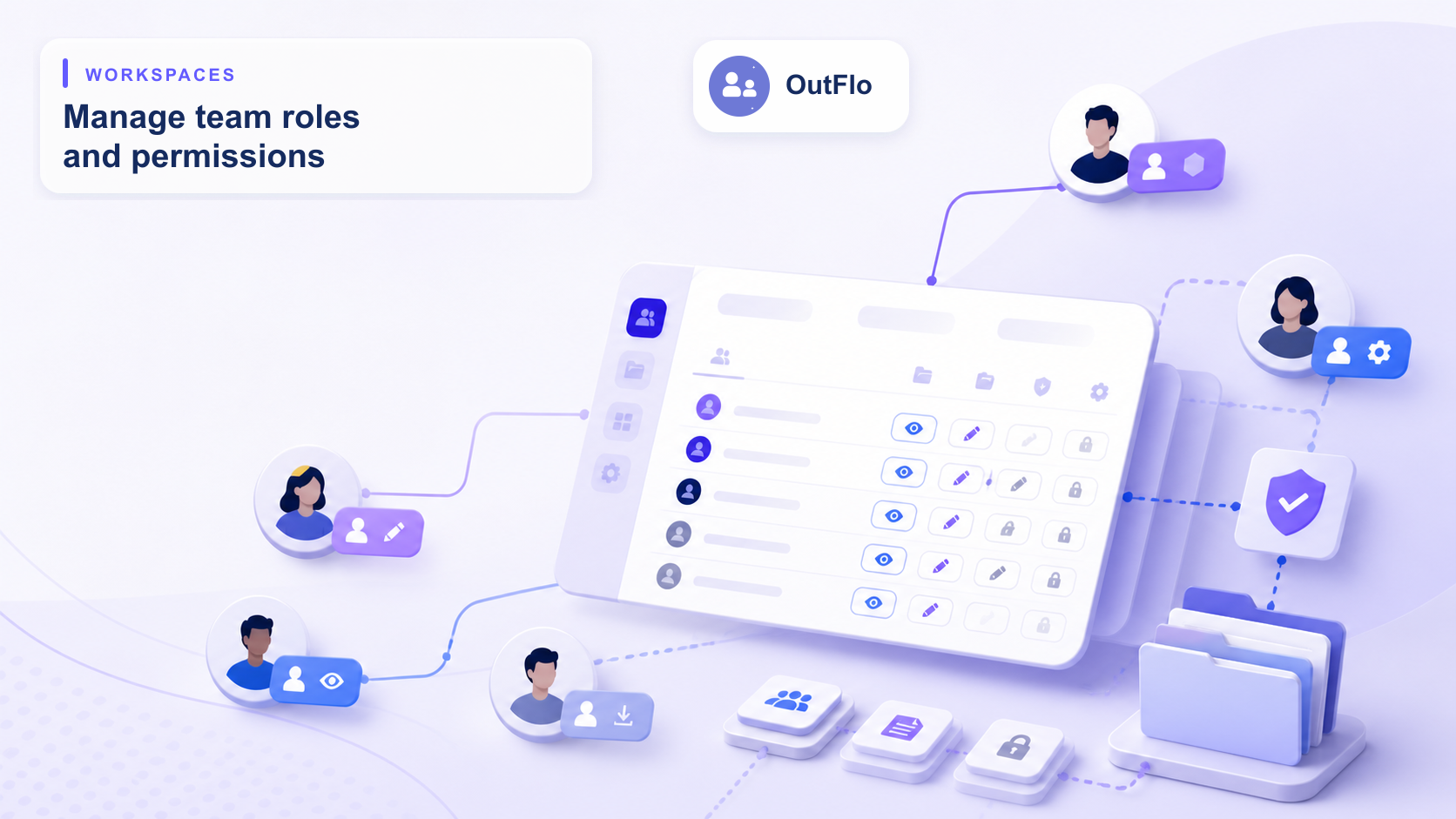
Running LinkedIn outreach with a team or for clients? OutFlo Workspaces keep each operation separate, bring every LinkedIn account into one shared inbox and dashboard, and let you give each person exactly the access their job needs, across six areas of control.
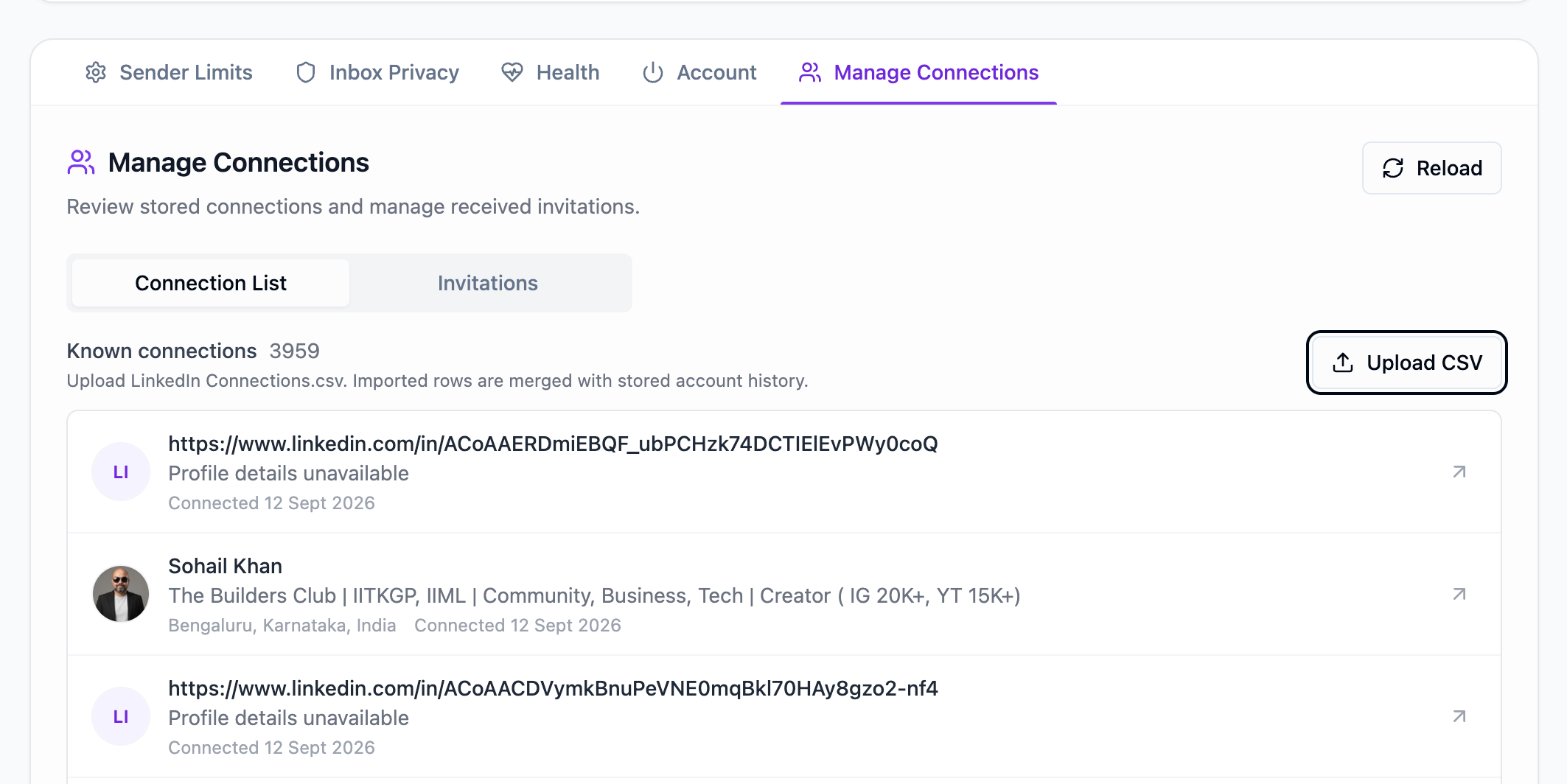
Learn how OutFlo checks connection data, excludes existing connections, and assigns a lead when one or more campaign senders are already connected.
Move selected campaign leads between active sender accounts with a clear preview and a default safeguard for leads that have already taken campaign actions.
A visual walkthrough of OutFlo LinkedIn Social Engagement: write a post, add media and a first comment, move it through review and scheduling, then confirm the final LinkedIn publication.
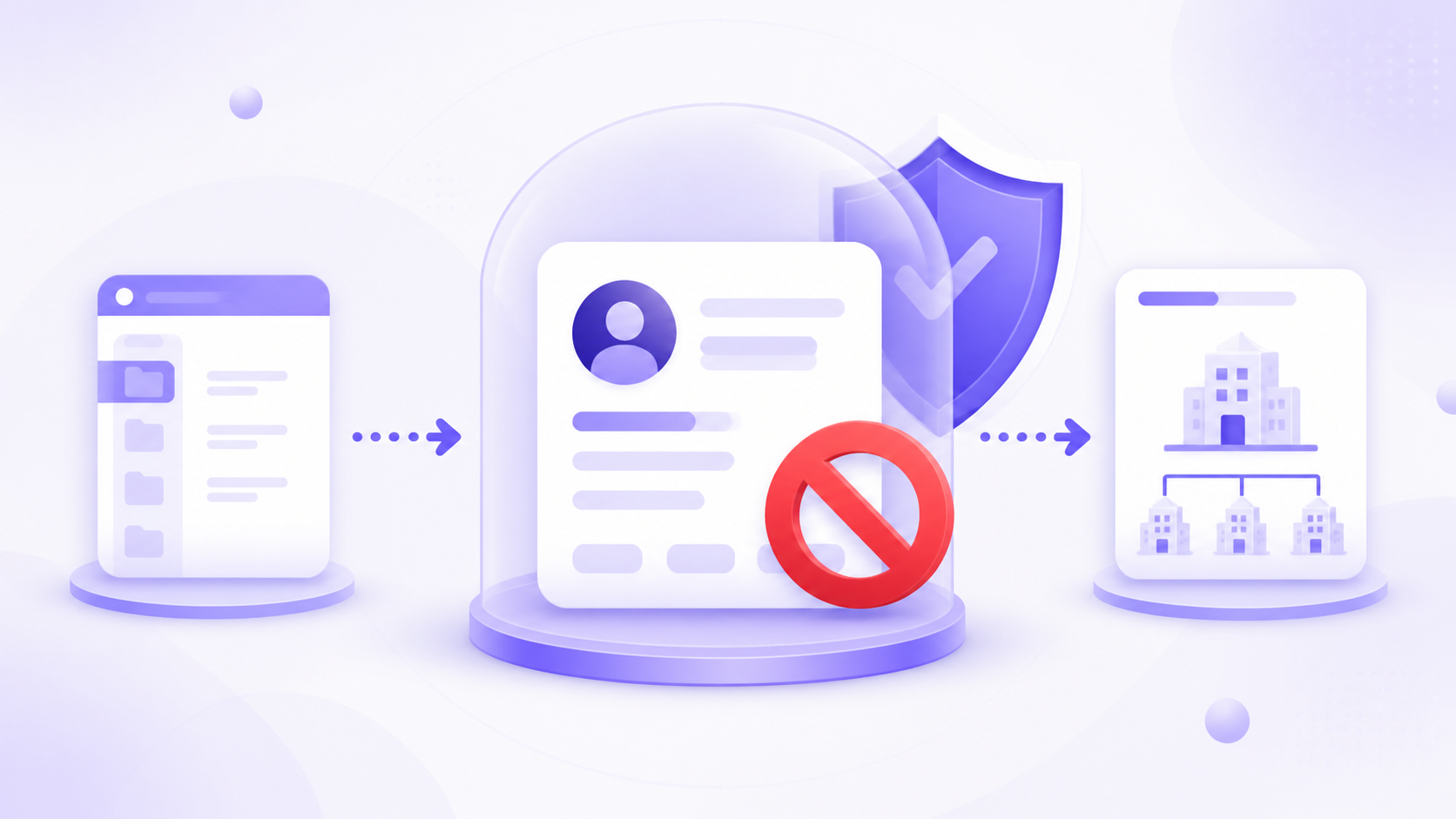
Use OutFlo's Do Not Contact list to keep protected contacts and companies out of automated LinkedIn campaigns. Choose the right scope and manage exclusions from one place.
The honest LinkedIn safety guide: what caused real restrictions, how account sessions and IPs matter, which daily limits teams used, and what to do when an account gets restricted.
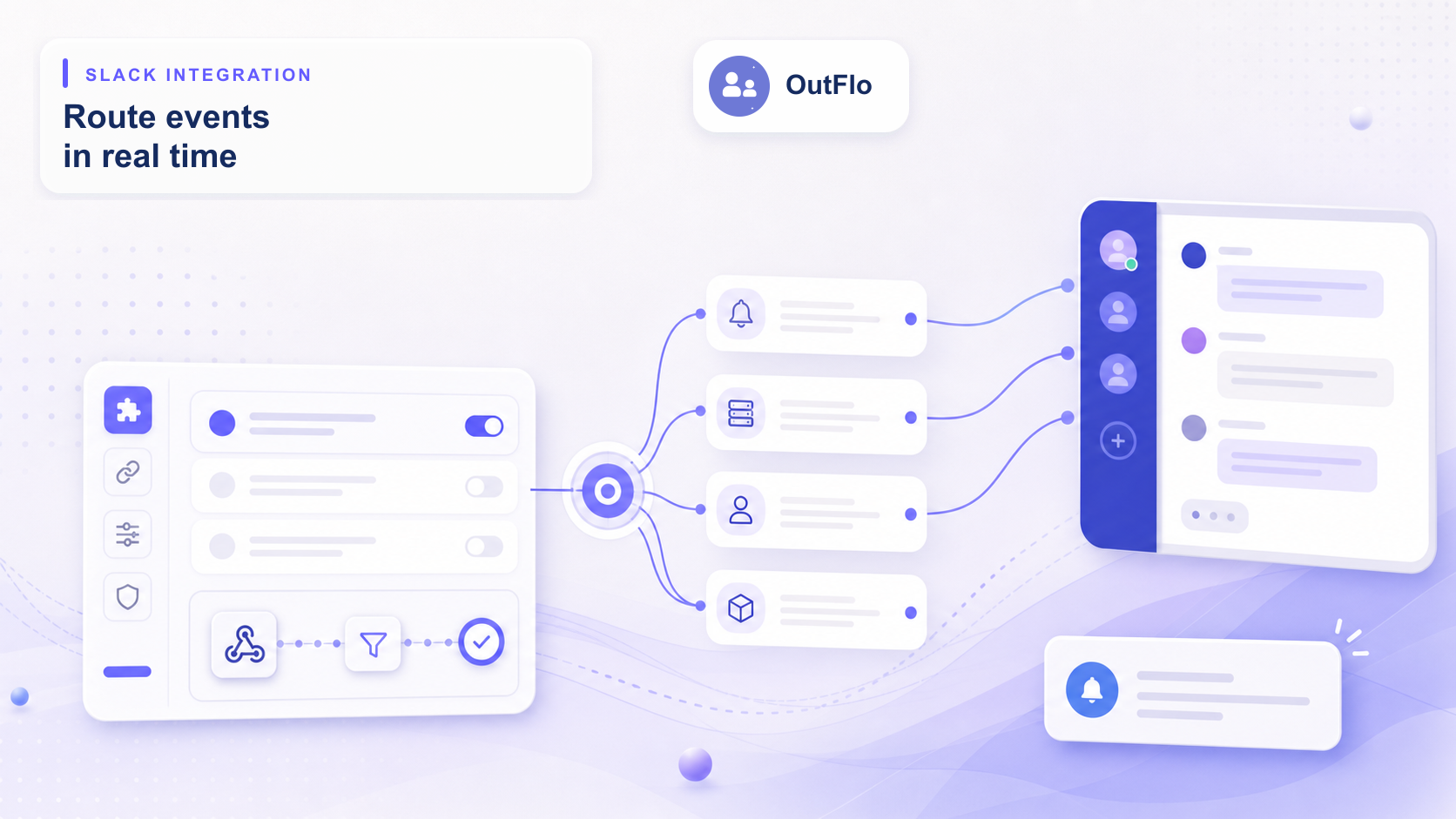
Step-by-step guide to connecting your Slack workspace to OutFlo, setting up granular channel alerts for replies and connections, and routing notifications by campaign or sender account.
Build one reliable n8n workflow for every OutFlo reply shape, including multiline messages that can break string-built JSON.
The useful version of LinkedIn InMail: which messages are free, published paid-credit limits, the sender-side availability check, and why Sales Navigator credits do not make a lead free.
A complete OutFlo InMail guide: build the Open Profile route, protect paid credits, understand action limits, and configure Sales Navigator senders correctly.
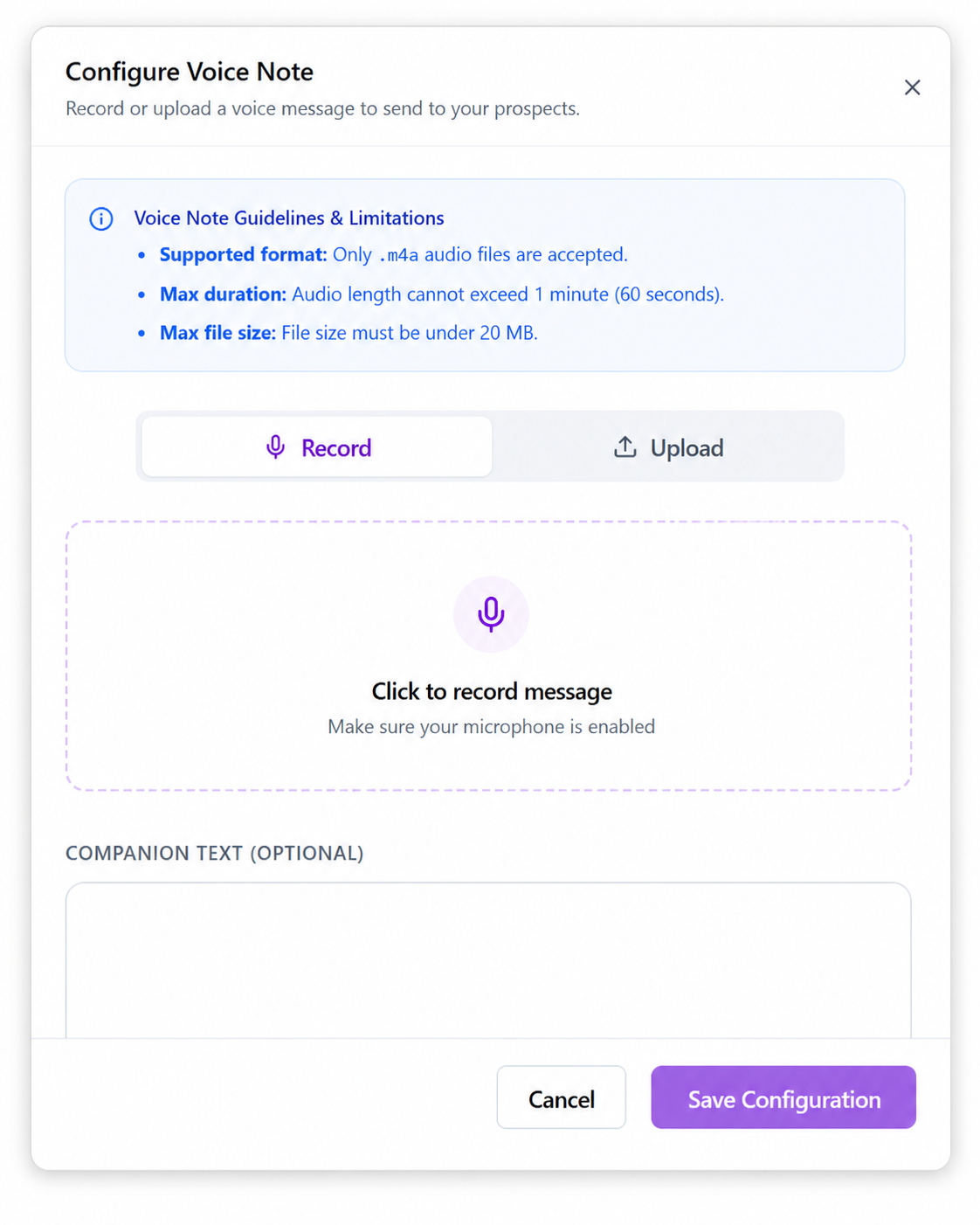
Voice notes are one of the easiest ways to make a LinkedIn sequence feel more human. Learn where to add them, how to record or upload them, and how to automate setup with OutFlo MCP
A practical guide to managing LinkedIn posts through OutFlo: discover accounts, create drafts, request approval, schedule safely, publish now, track status, and use the same workflows from MCP.
OutFlo can vary your daily activity so your account does not follow the same pattern every day. Learn why this helps, what you will see, and how to choose the range that fits your outreach.
OutFlo now supports spintax in campaign messages. Learn what is new, why it is useful, and the two ways to create alternatives with LinkedIn or CSV personalization.
A complete setup and usage guide for the OutFlo HubSpot integration, including OAuth connection, contact segment imports, property mapping, status triggers, reply notes, sync logs, and troubleshooting.
See how Unibox saves replies as drafts, how to filter your draft queue, and how Claude can prepare responses across every thread tagged Need to reply.
Turn your OutFlo Dashboard into the funnel view your team actually uses, with custom tag cards, comparisons, flexible filters, and downloadable PDF reports.
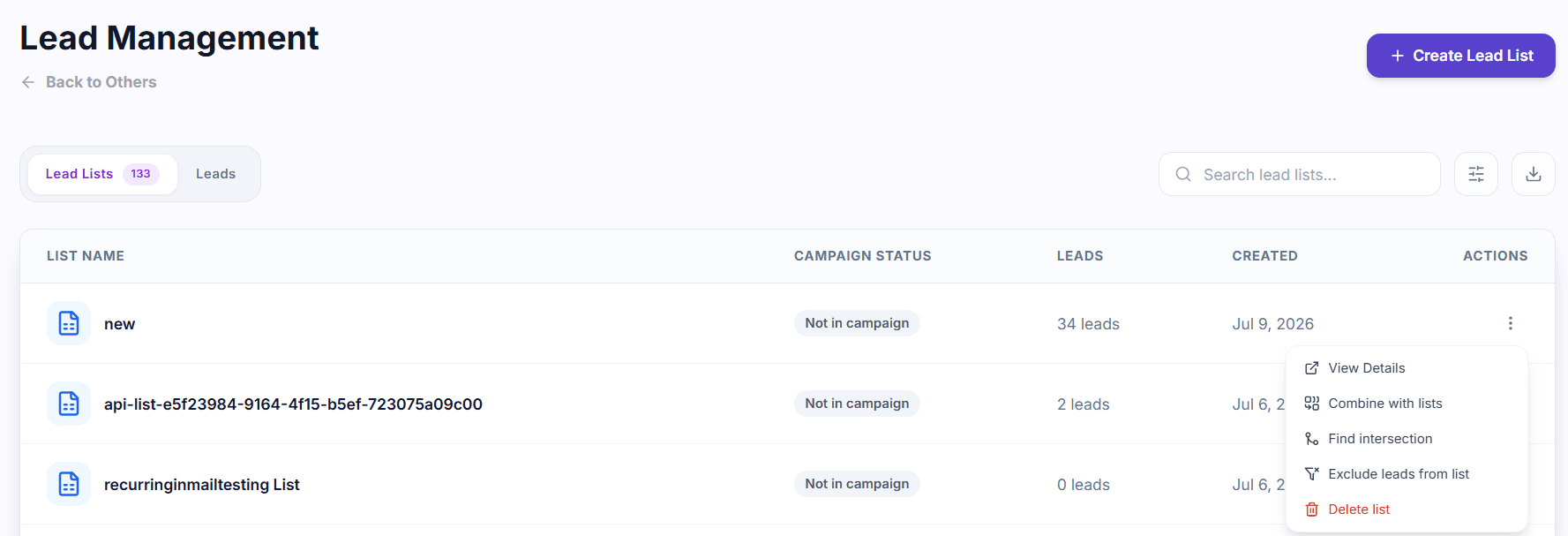
Use Lead Management to add a one-off prospect, search across every lead, merge existing lists, remove overlaps, and build clean campaign audiences.
Prioritize high-intent replies with automatic Unibox statuses, combine status and tag filters, and correct classifications whenever a thread needs a human read.
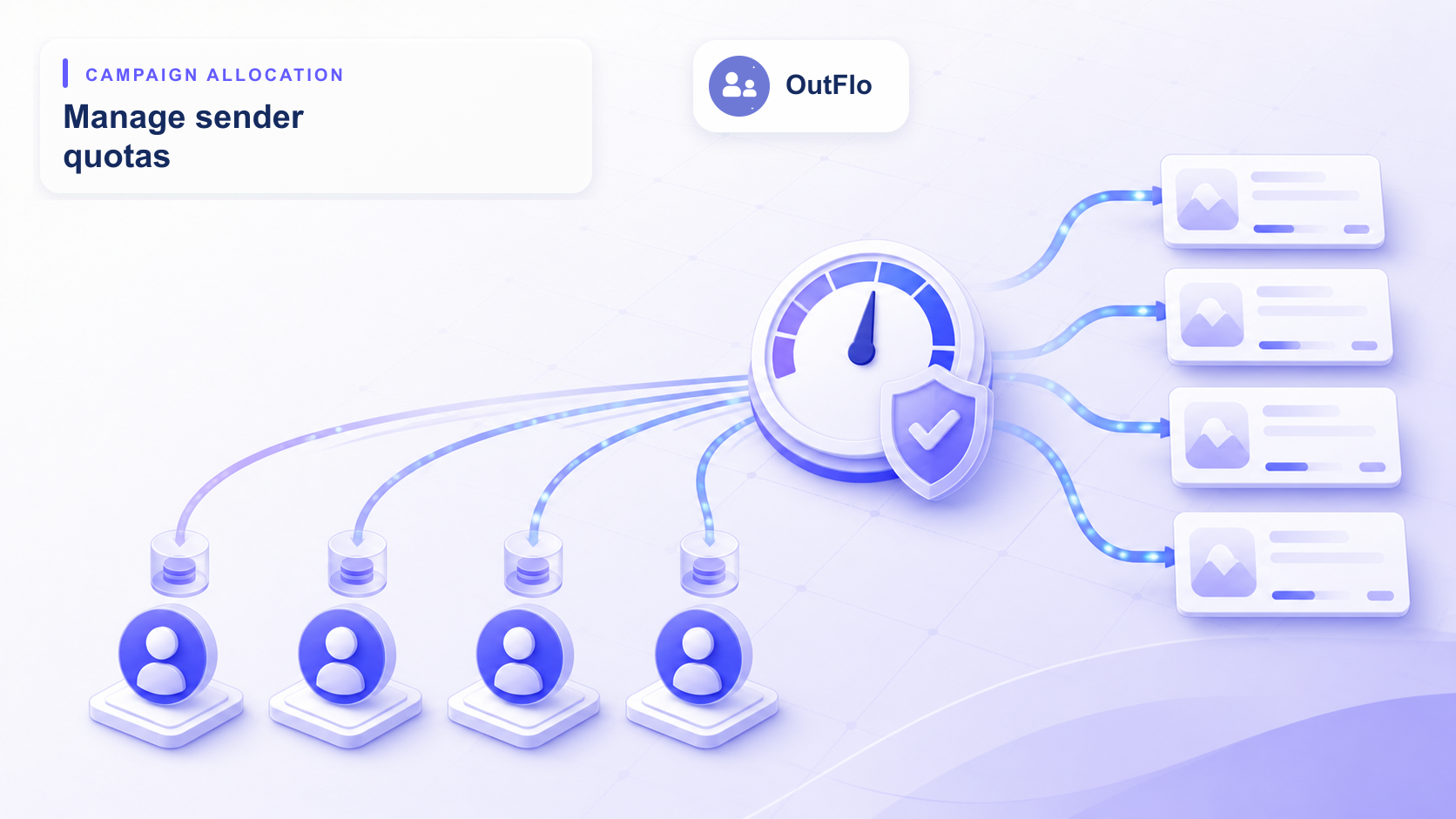
Learn how OutFlo divides sender limits across campaigns, how hard and soft reservations work, and where to configure or rebalance every allocation.
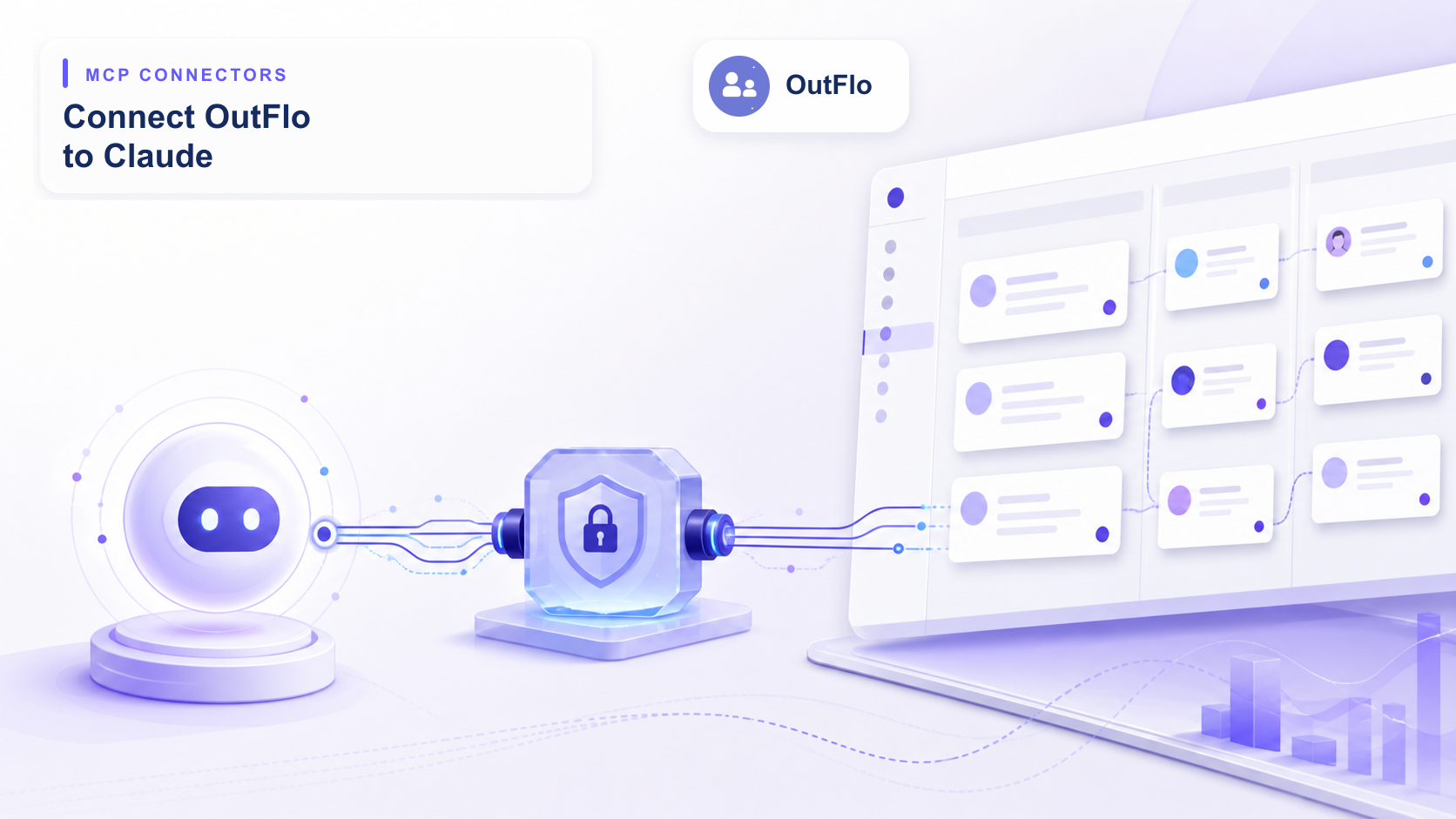
A step-by-step setup guide for connecting OutFlo's MCP server directly into Claude.ai as a custom connector, authorizing workspace access, and running tool calls.
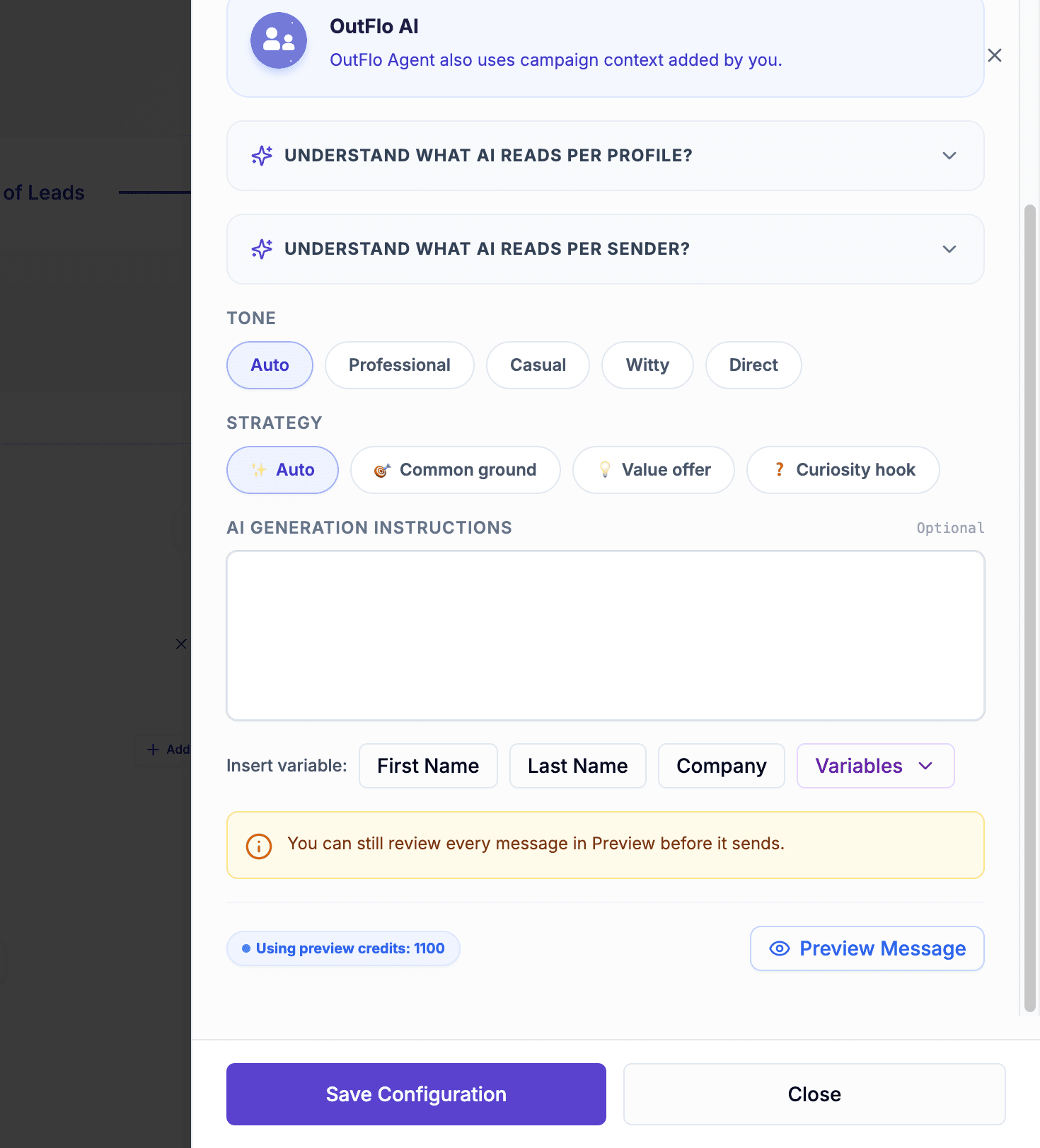
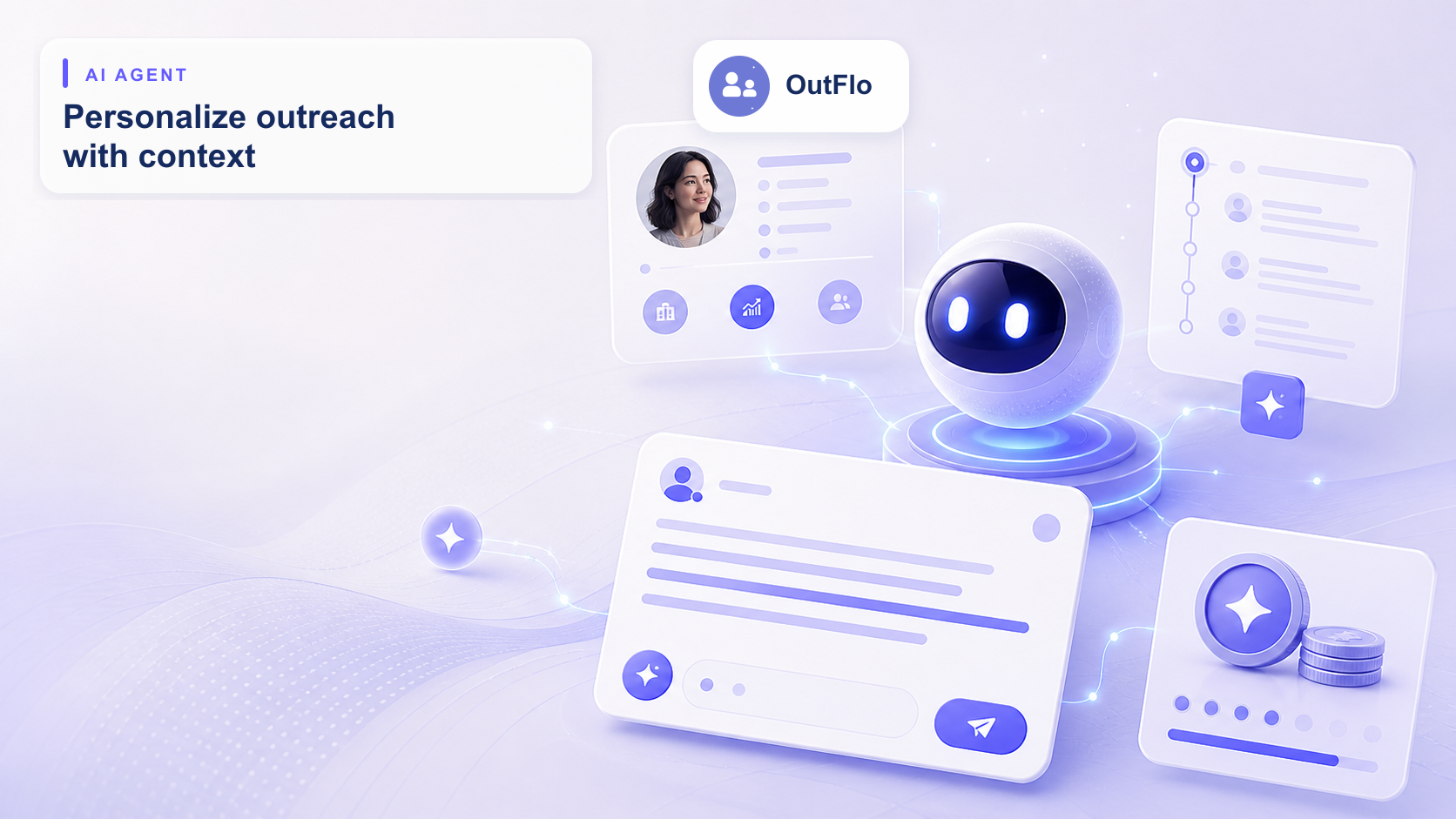
Master OutFlo Agent across every surface — from generating context-aware replies in Unibox, to configuring AI-assisted campaigns with custom context, tone, and strategy. Plus, learn how AI credits work and how to manage them.
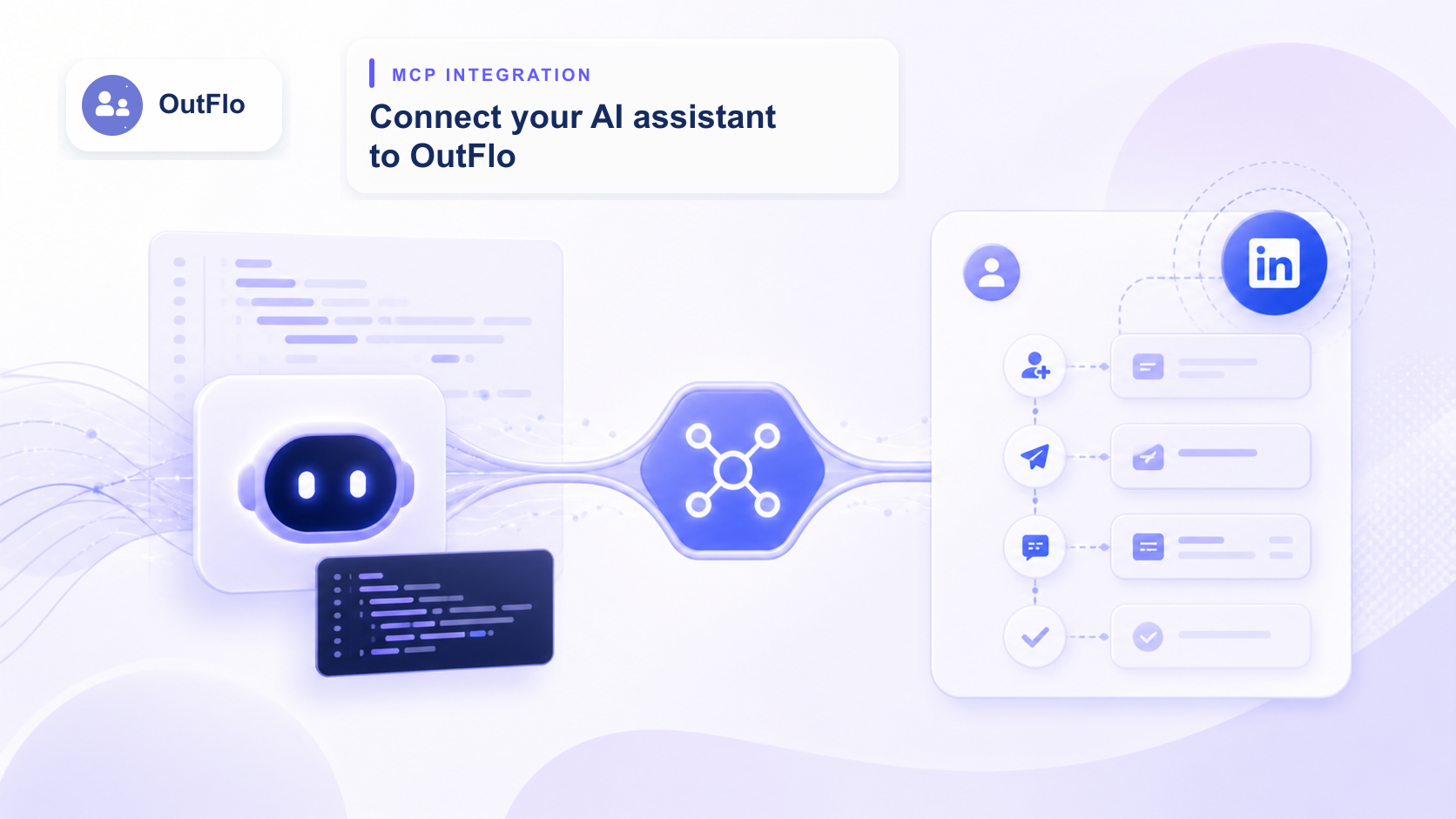
Step-by-step setup guide for connecting your favorite AI coding assistant to OutFlo's Model Context Protocol (MCP) server to manage your LinkedIn pipeline directly through chat.
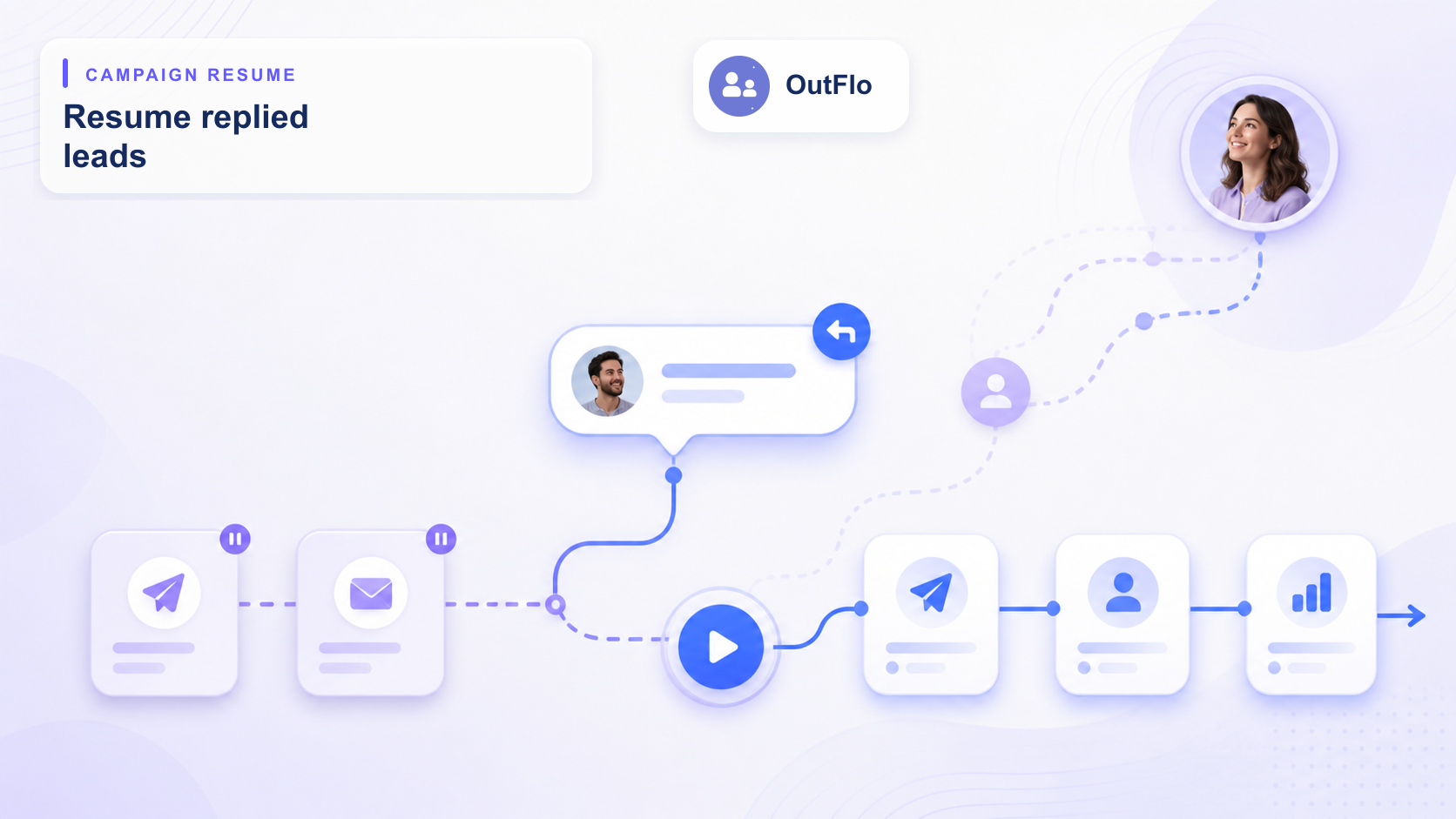
Learn when a lead becomes eligible for resume, where the fast forward action appears, how the side drawer flow works, and how to resume leads from the campaign page with confirmation.
Step-by-step masterclass on launching high-converting campaigns on OutFlo. Covers visual sequence design, Lead Sources, CSV mapping, and Warm-up limit throttling.
Detailed steps to solve LinkedIn security challenges during setup. Learn how to handle SMS/Email OTP, Google 2FA, mobile app push confirmations, and custom residential proxy configurations.
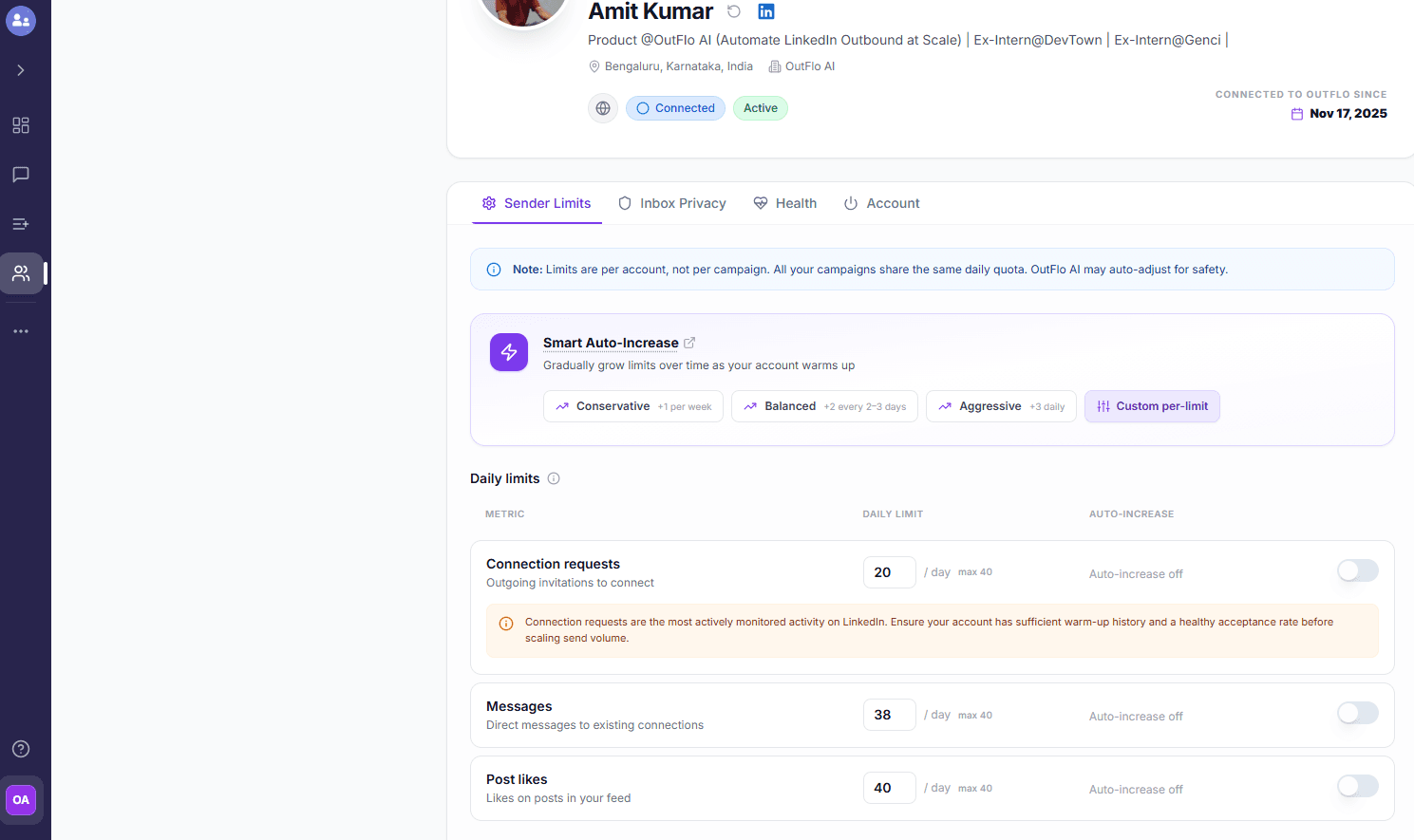
Deep-dive into OutFlo's automated warmup system. Learn how to configure smart auto-increases across all activity limits and leverage dynamic smart lead flows to scale safely.
Step-by-step setup guide for building a scheduled n8n workflow that fetches leads from Apollo and automatically syncs them into an OutFlo lead list.
Join the growing community of sales professionals and marketers who are revolutionizing their LinkedIn lead generation with OutFlo.