
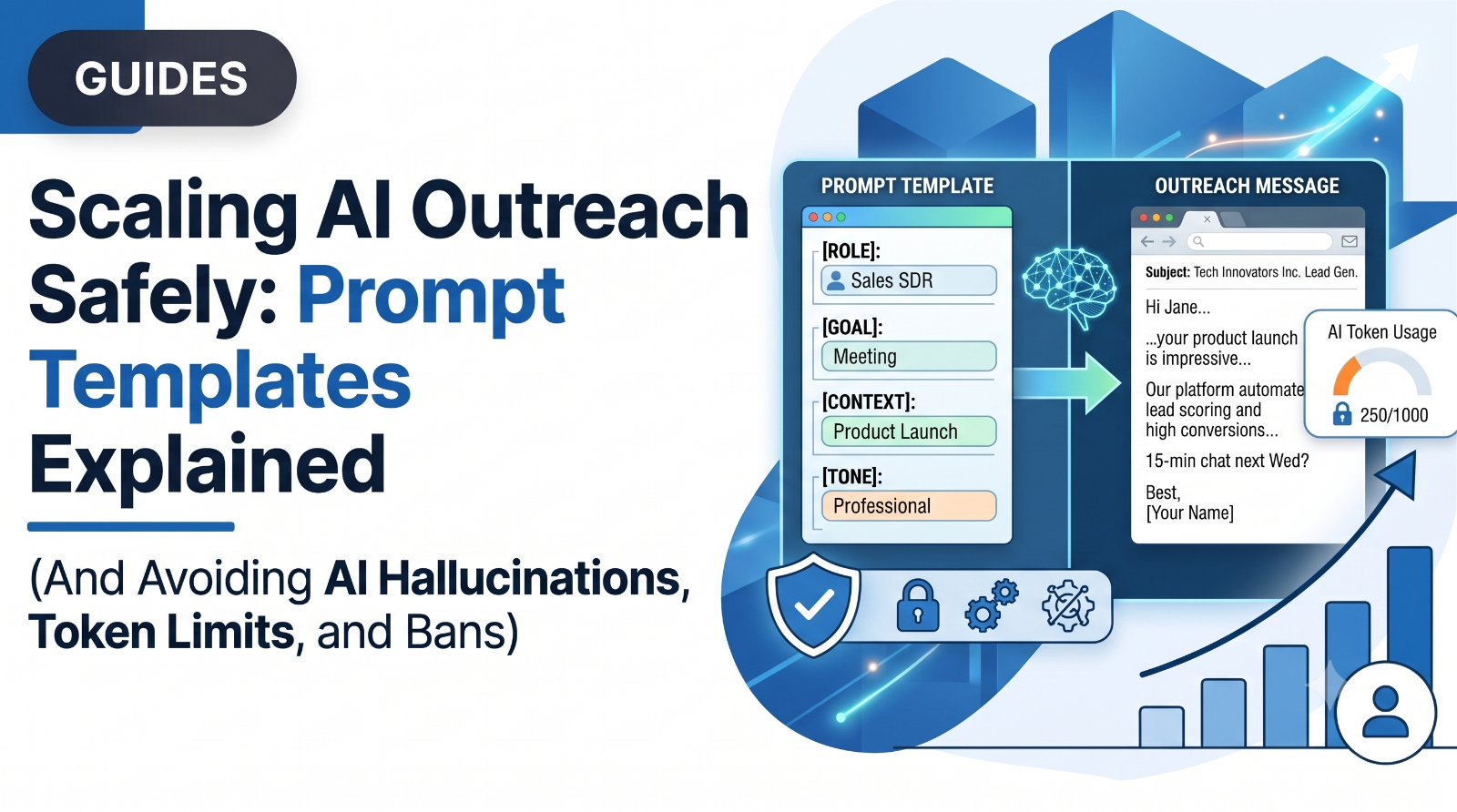
An outreach prompt is the set of instructions you give an AI model to generate a prospecting message, and the useful ones are constraint documents rather than writing briefs: they define what the model is allowed to look at, what it must never mention, and what a single good output looks like. Most prompt guides tell you how to describe the message you want. In production, that is not where prompts fail.
They fail because the model was given information it should never have been allowed to use, and it used it. They fail because they were pointed at the wrong stage of the sequence. And they fail because the output sounds exactly like what it is.
Here is what the data says about where AI actually earns its place in outreach, followed by prompt templates you can lift directly.
AI Helps Your First Message and Hurts Your Follow-Ups
This is the finding that should restructure how you use AI in outreach, and almost nobody writes about it.
Across Expandi's LinkedIn outreach dataset, AI-assisted first messages reply at 4.19 percent versus 2.60 percent without AI. That is a 61 percent relative lift, and it is a strong argument for using a model on your opener.
Then look at follow-ups in the same dataset. Follow-up messages perform better without AI: 3.91 percent unassisted versus 3.48 percent with AI. The lift does not just shrink. It inverts.
AI makes your first message better and your follow-up worse.
The mechanism is not mysterious once you see it. A first message needs research, something specific and true about a person you have never spoken to, and that research is exactly what a model can do faster than you can. A follow-up needs something a model does not have: memory of an actual exchange, and the ability to sound like the same human who sent the last one. Hand a model the follow-up and it produces something fluent, generic, and subtly inconsistent with the message before it. Prospects notice.
Corroborating evidence from the cold email side points the same way. Woodpecker's analysis found that teams over-relying on AI for the writing itself see declining reply rates, because AI-detectable copy gets filtered by both spam systems and skeptical readers. The elite teams in their data use AI for roughly 80 percent of research and sequencing work, and keep humans on messaging strategy and live reply handling.
The practical rule: prompt the research and the opener. Write the follow-ups yourself.
The Prompt Is a Constraint Document
Here is the failure mode that costs the most and gets discussed the least.
You write a thorough prompt. You give the model rich context about your product so it can be relevant: what it does, who it is for, what it costs, that there is a free trial. The model is now well-informed. It is also now armed.
Then it writes your first message, and somewhere in there is a sentence about a free trial.
A model will use everything you give it, at the first opportunity it thinks is reasonable. Pricing in the context field surfaces as pricing in message one. A competitor name in the background notes surfaces as a competitor mention. The information did not leak because the model malfunctioned. It leaked because you supplied it and never said when it was allowed to be used.
This is why a working outreach prompt reads less like a creative brief and more like a set of guardrails. The generative part is the easy part. Every model can write a competent LinkedIn message. The hard part, and the part that determines whether the message gets a reply, is aggressively restricting what the model is permitted to say.
Two rules that follow directly:
Separate context from permission. If the model needs product knowledge to judge relevance, give it, and then state explicitly that the information is background only and must not appear in the output. "Never mention pricing, trials, or discounts in this message" is a line worth having in every first-message prompt.
Reserve the offer for a fixed template. Your pitch, your pricing, your trial, these should live in a hand-written message later in the sequence, not in anything a model generates. Fix that message. Do not let it be regenerated per prospect.
The Anatomy of an Outreach Prompt
Every prompt that works in production has the same five parts.
1\. Role. Who the model is writing as, and their actual relationship to the prospect. "You are a founder writing to another founder," not "You are a helpful sales assistant."
2\. Source material. The specific inputs the model may draw on for personalization: the prospect's headline, their recent posts, their company's recent news, a job posting. Be explicit. If you do not name the sources, the model will invent relevance.
3\. Objective. What this specific message is trying to achieve. This is almost never "book a meeting." For a first message it is "earn a reply." Naming the wrong objective is the single fastest way to get a pitch when you wanted a question.
4\. Constraints. The banned list. This is the longest section in a good prompt and the shortest in a bad one. Word limits, banned phrases, banned topics, no pricing, no product name, no compliments as openers, no questions the prospect cannot answer in one line.
5\. Output specification. Exactly what comes back: one message, plain text, no preamble, no alternatives, no explanation of choices.
Templates
Template A: First message, AI-generated
This is where AI earns its 61 percent lift. Use it here.
ROLE
You are \[Name\], founder of a \[category\] company, writing a first LinkedIn
message to a new connection. You are writing as a peer, not a vendor.
SOURCE MATERIAL (use only these)
\- Prospect headline: {headline}
\- Prospect's most recent LinkedIn post: {recent\_post}
\- Prospect's company and size: {company}, {headcount}
\- Their company's recent public news, if any: {company\_news}
OBJECTIVE
Earn a reply. Nothing else. Do not book a meeting, do not describe a
product, do not offer anything.
CONSTRAINTS
\- Under 45 words.
\- Open with the specific observation, not a greeting compliment. Never
begin with "Loved your post" or "I came across your profile."
\- Reference exactly one specific detail from the source material. It must
be specific enough that this message could not be sent unchanged to any
other person.
\- End with one open question the prospect can answer in a single sentence.
\- Never mention: pricing, trials, discounts, demos, our product name, or
any competitor.
\- No em dashes. No exclamation marks. No emoji.
\- Banned phrases: "quick question", "hope this finds you well", "I wanted
to reach out", "circling back", "just following up", "worth a look".
\- If the source material contains nothing specific enough to reference
honestly, output exactly: INSUFFICIENT\_CONTEXT
OUTPUT
The message body only. No subject, no greeting line, no sign-off, no explanation. The INSUFFICIENT\_CONTEXT line matters more than it looks. Without an escape hatch, a model handed a thin profile will manufacture a hook, and a manufactured hook is worse than no message at all. Give it permission to fail, and route those prospects to a different sequence.
Template B: Connection note, AI-generated
Shorter, and worth calibrating your expectations for. A note barely moves acceptance rate, roughly 26.4 percent with a note versus 26.4 percent without. What it does is roughly double reply rate on the request itself. Treat it as a conversation opener, not an acceptance lever.
ROLE
You are \[Name\], sending a LinkedIn connection request.
SOURCE MATERIAL (use only these)
\- Prospect headline: {headline}
\- Prospect's most recent post: {recent\_post}
OBJECTIVE
Give one honest, specific reason for connecting. Not a pitch.
CONSTRAINTS
\- Under 25 words. Hard limit.
\- One concrete reference to their work or their post.
\- No pitch, no product, no ask, no meeting request.
\- No flattery. No "big fan of your work."
\- If nothing specific is available, output: INSUFFICIENT\_CONTEXT
OUTPUT
The note text only.
Template C: Follow-ups, written by hand
Do not generate these. The data says AI makes them worse, and this is the sequence stage where a human voice is the entire point.
Write two or three fixed follow-ups per campaign, by hand, once. Then reuse them.
What each should do:
- Follow-up one (day 3, no reply): Sharpen the problem. Do not restate message one, do not name your product. Add a new angle on the same pain.
- Follow-up two (day 7): This is where the offer belongs, and the only place it belongs. Lead with what you do in one line, stack the concrete mechanics in short clauses, close with a low-friction proof offer rather than a call ask.
- Follow-up three (day 14, optional): The close. Remove the ask entirely. Acknowledge it may not be a priority, leave the door open. This message frequently outperforms a fourth chase because it gives a busy person a guilt-free reason to re-engage.
Four-to six-step sequences produce the strongest response rates in Outreach's 2026 data, and it now takes an average of 4.8 touches to get a first response, up from 3.2 in 2022. But half of all responses still arrive within the first two touches. Persistence is worth it. Persistence past six touches usually is not.
The Practical Workflow
1\. Segment before you prompt. One prompt per persona, never one prompt per campaign. A prompt written for founders will produce mush when pointed at heads of ops. Smaller, tighter lists reply substantially better: campaigns under 50 recipients average 5.8 percent reply rate against 2.1 percent for campaigns over 500, in a study of 16.5 million messages.
2\. Write the constraints before the creative. Start your prompt with the banned list. It is counterintuitive and it works, because it forces you to decide what this message is not allowed to do before you get attached to what it says.
3\. Generate ten, read all ten. Do not review a sample. The failure modes only appear across a batch: the same opening structure repeating, the same three adjectives, an offer sneaking in on prospect seven. If you see the same skeleton twice, the prompt is underconstrained.
4\. Grep for your own banned list. Search the batch for your product name, "pricing", "trial", "demo", and every banned phrase. Anything that got through is a prompt bug, not a one-off.
5\. Ship the first message, hand-write the rest. Per the data at the top of this article.
6\. Watch positive replies, not total replies. A prompt that generates a lot of "not interested" responses is not a good prompt with a bad list. It is usually a prompt that is being relevant to the wrong thing.
Where This Runs in Practice
Three things above have to happen in the tool, not in a document.
AI Personalization in OutFlo is the first-message layer, drafting from a prospect's acual profile and recent activity rather than swapping variables into a template. That is precisely the stage the data says AI lifts, and it is the stage that becomes impossible to do by hand past a few dozen prospects, because the research is the expensive part, not the typing.
Smart Sequences cover the structure. Campaigns that pair a message with supporting actions, a profile view, engagement with a recent post, reach reply rates up to 11.87 percent, roughly double single-action campaigns. Sequences branch on what actually happened, whether the profile view registered, whether the connection was accepted, whether the message was read, rather than firing a fixed script into a void.
The Unified Smart Inbox covers the stage nobody prompts for and everybody underestimates: what happens when the replies arrive. This is the second place AI genuinely helps, and it is not message generation. Connect Claude to OutFlo over MCP and it can read every thread that needs a response, draft a reply into the inbox, and leave it for you to review, edit, and send. Follow-ups stay human. The reading, sorting, and first-pass drafting do not have to be.
The pattern in the data is consistent. AI is good at research and triage, and mediocre at sounding like you. Build the prompt, and the workflow, around that.
FAQ
Common questions
What should an outreach prompt actually contain?
Five parts: the role the model is writing as, the specific source material it may use for personalization, the objective of this message (for a first message, that is "earn a reply," not "book a meeting"), a detailed list of constraints and banned content, and an exact output specification. The constraints section should be the longest.
Why does my AI-generated outreach mention pricing when I never asked it to?
Because you put pricing in the context you gave it. A model uses everything it is given at the first opportunity it judges reasonable. Product context is necessary for relevance, so give it, then state explicitly that it is background only and must never appear in the output. Reserve the offer for a hand-written message later in the sequence.
Should I use AI for follow-up messages?
No. Expandi's data shows follow-ups reply at 3.91 percent without AI and 3.48 percent with it. AI improves first messages (4.19 percent versus 2.60 percent) and degrades follow-ups. Write two or three fixed follow-ups by hand per campaign and reuse them.
How long should an AI-generated first message be?
Under 45 words for a LinkedIn message, under 25 for a connection note. Longer outputs are where models drift into generic phrasing, and length is one of the few constraints a model follows reliably.
How do I stop AI outreach from sounding like AI outreach?
Ban the tells explicitly in the prompt. Openers like "quick question" and "hope this finds you well" have been used enough to read as automation on sight. More structurally, force one specific reference that could not appear in any other message, and give the model an explicit way to fail (an INSUFFICIENT_CONTEXT output) when the prospect's profile is too thin to reference honestly. A manufactured hook is worse than no message
Is one prompt enough for a whole campaign?
No. Write one per persona. A prompt tuned for founders produces vague output when pointed at operators, because the objective and the plausible hooks are different. This is also why smaller, tighter lists outperform: they let one prompt stay precise.
