
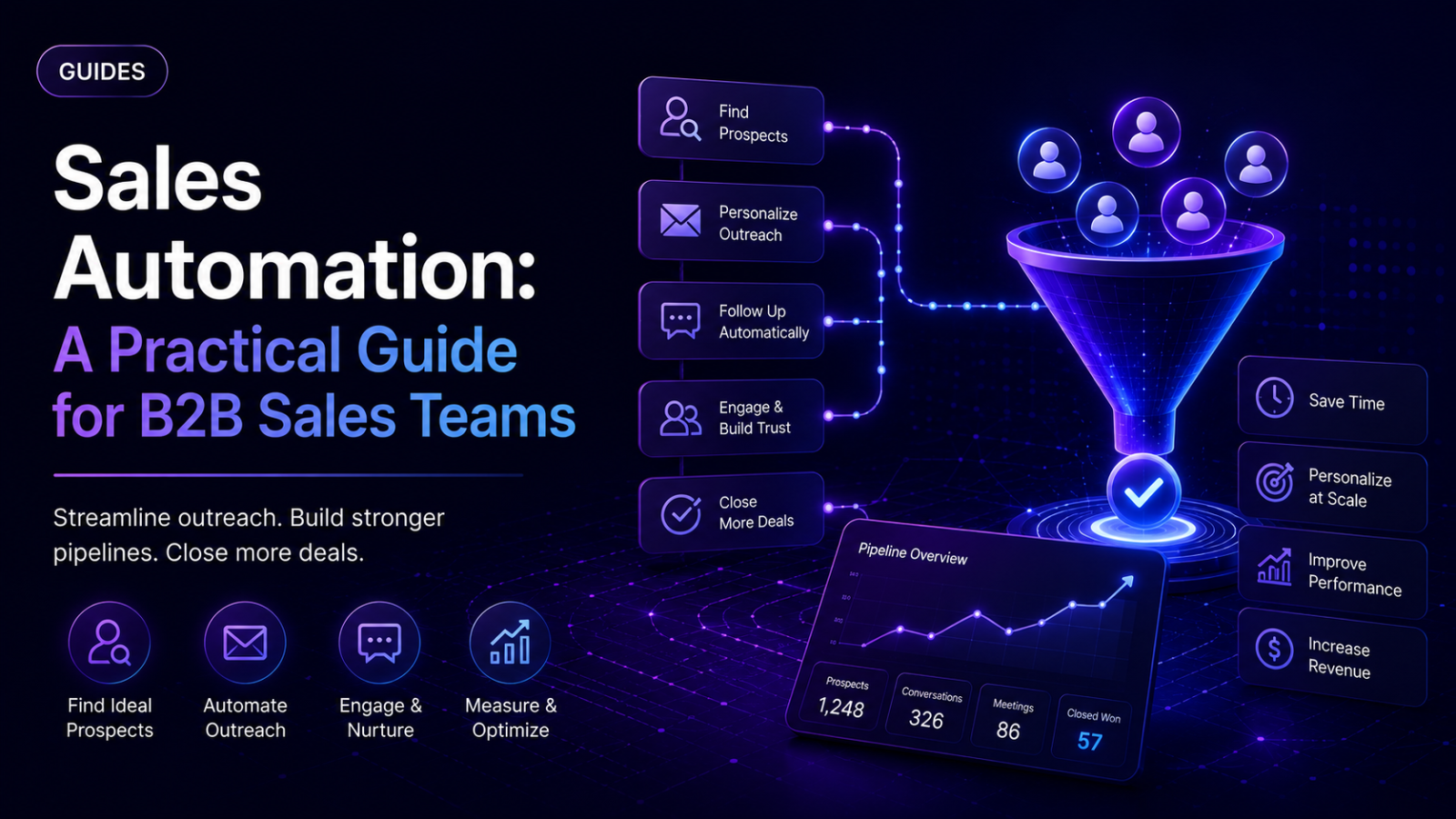
Sales automation is the use of software to handle the repetitive, systematic parts of the sales process — sequencing outreach, logging interactions, scoring leads, generating reports — so sales reps spend their time on the parts that actually require judgment: conversations, objection handling, and deal strategy. It spans more ground than any single channel: prospecting, outreach execution, CRM data logging, lead scoring, and pipeline reporting are all legitimately part of it. This guide covers what it means in practice, the real workflow for applying it, where it commonly breaks, and one full worked example.
What Sales Automation Means, and When It Actually Matters
At its core, sales automation replaces manual repetition with a system — but the goal isn't fewer humans in the sales process, it's fewer humans doing the same mechanical task over and over. A rep manually logging every call outcome into a CRM, manually sending the third follow-up message on a fixed schedule, manually pulling last month's numbers into a spreadsheet for a pipeline review — none of that requires sales skill, and all of it is a legitimate target for automation.
It spans the full process, not just outreach. Prospecting and enrichment (finding and verifying the right contacts), outreach execution (sequencing connection requests, messages, follow-ups), CRM logging (capturing every interaction automatically rather than through manual entry), lead scoring (prioritizing who's actually worth a rep's time), and reporting (turning raw activity into numbers a manager can act on) are all distinct layers, and most functioning sales automation setups touch several of them, not just one.
It matters once manual repetition genuinely limits what a team can do. For a single rep handling a small number of accounts, doing this by hand is manageable and even useful — the friction of manual work often surfaces what's actually happening with a deal in a way a dashboard doesn't. The point where automation starts paying for itself is when repetitive tasks are consuming time that should go toward selling, or when manual data entry has become unreliable enough that nobody fully trusts the CRM anymore.
It matters less — or not yet — when the underlying strategy isn't stable. Automating a sequence, a scoring model, or a reporting structure around an ICP or message angle that hasn't been validated just means scaling something unproven, faster and with less visibility into why it isn't working. Validate manually first; automate what's proven.
The Workflow: How to Apply Sales Automation Step by Step
Step 1: Decide which layer to automate first
Not every layer needs automating at once. A team just starting out typically gets the most value from automating outreach execution and CRM logging first — the two highest-repetition, highest-error-risk manual tasks. Lead scoring and advanced reporting are worth adding once there's enough real activity data flowing through the system to make them meaningful; scoring leads against a model built on thin data isn't much better than guessing.
Step 2: Validate manually before automating anything
Before building an automated sequence or scoring model, run it manually first at small volume — a handful of prospects, a simple scoring rule, a basic report pulled by hand. This surfaces whether the underlying approach actually works before it gets scaled into something running continuously without close attention.
Step 3: Choose tools by layer, not by picking one tool to do everything
Sales automation setups that work well tend to separate concerns rather than force one platform to do every job: a data enrichment layer (tools like Clay or Apollo, for verifying and enriching contact data), an execution layer (the tool actually sending outreach and managing sequences), a CRM layer (the permanent record of every interaction), and — for more advanced setups — an orchestration layer (tools like Zapier, Make, or n8n that connect the others together via webhooks so data flows automatically rather than through manual export/import). Trying to force a single tool to be excellent at all four layers usually means it's mediocre at most of them.
Step 4: Build sequences that branch on real behavior, not fixed timelines
A sequence that fires the same next message regardless of what a prospect actually did — replied, didn't reply, engaged, went cold — is the most common way automated outreach reads as automated. A working sequence checks status at each step and branches: a different message if someone replied than if they didn't, a different pace for a warm lead than a cold one. This is true whether the channel is LinkedIn, email, or both together.
Step 5: Connect CRM logging so activity captures automatically
Every meaningful interaction — a message sent, a reply received, a call logged — should flow into the CRM without a rep manually typing it in afterward. Manual logging isn't just slower, it's less reliable: a busy week means logging slips, and a CRM with inconsistent data quickly becomes something nobody trusts enough to actually use for decisions. Automating this specific layer, even before automating outreach itself, often produces an immediate, visible improvement in how much a team's own reporting can be trusted.
Step 6: Set up reporting by stage, not as one blended activity number
"How many messages went out this week" is an activity count, not a performance read. Meaningful reporting breaks the process into stages — outreach sent, response received, opportunity created, deal closed — so a manager can see specifically where the process is working and where it's stalling, rather than one aggregate number that hides which stage actually needs attention.
Step 7: Build a recurring audit that checks automation against current strategy
This is the step most sales automation setups skip, and it's a genuine, recurring failure mode worth building a habit around: automated sequences and scoring models don't know when strategy changes. An ICP that shifted last quarter, a messaging angle that's no longer accurate, a pipeline priority that moved to a different segment — none of that updates a running sequence automatically. On a regular cadence (monthly is a reasonable minimum), review every active automated sequence or scoring rule against a simple question: does this still reflect who we're actually targeting and why, right now? Anything that can't answer that — running because nobody paused it, not because it's still strategically relevant — should be flagged and either updated or shut off.
Common Failure Modes and How to Avoid Them
Running sequences that no longer match current strategy. This is the single most common way automation quietly degrades: a sequence built around last quarter's ICP or messaging keeps firing, generating activity that looks like progress but doesn't actually connect to what the business is currently trying to do. Without a recurring audit, this can run for months before anyone notices the pipeline it's generating doesn't convert the way it used to.
Automating before the underlying approach is validated. Scaling an unproven message or targeting strategy just produces a bigger, faster version of the same mistake, with less visibility into why it's not working than manual testing would have given.
Manual CRM logging that quietly breaks down. Once logging slips even occasionally, the CRM's data becomes unreliable, and once it's unreliable, people stop trusting it for decisions — which defeats the purpose of having a CRM at all. This tends to happen gradually enough that nobody notices until a pipeline review reveals numbers that don't match reality.
One blended activity report instead of stage-by-stage tracking. "Activity is up" can hide a process that's actually breaking down at a specific stage — more outreach sent doesn't mean more pipeline if the response or conversion rate at a later stage has quietly dropped.
Fixing message copy when the real issue is strategic misalignment. If a sequence's underlying targeting or positioning has drifted from what's actually true about the offer or the market, rewriting the message on top of that drift treats a symptom, not the cause.
Forcing one tool to handle every layer. A single platform trying to be the enrichment source, the execution engine, the CRM, and the reporting layer simultaneously is rarely excellent at all four — layered tools connected together generally outperform one tool doing everything adequately.
A Practical Outflo Example
Here's how this workflow applies specifically to the LinkedIn outreach layer of a broader sales automation stack, using Outflo.
Scope, stated honestly: Outflo automates outreach execution and reply management specifically for LinkedIn — it's one layer of a full sales automation stack, not a replacement for a CRM, an enrichment tool, or a reporting platform. Teams using it as part of a broader system typically pair it with a data source (Apollo or Clay for enrichment) and a CRM (synced via Zapier) for the layers it doesn't cover itself.
Validation first: before automating, the team runs the intended message and targeting manually against a small batch of real prospects to confirm the approach actually works.
Execution layer: inside Outflo, Smart Sequences handle the branching logic — checking connection and reply status at each step rather than firing a fixed sequence regardless of outcome — with AI personalization drawing from each prospect's real profile activity rather than a static template.
Reply and CRM logging: every reply lands in Outflo's Unified Smart Inbox regardless of which connected LinkedIn account received it, gets tagged based on actual content, and syncs out to the team's CRM via Zapier — so the interaction history lives in a permanent system of record, not just inside the outreach tool.
Reporting by stage: the team checks Outflo's analytics broken down by acceptance rate, reply rate, and (cross-referenced manually) positive reply rate specifically, rather than reading one blended "campaign performance" number — so a dip at a specific stage gets caught and diagnosed.
The recurring audit: on a monthly cadence, the team reviews active campaigns against current targeting priorities — confirming the ICP and messaging still reflect what's actually being sold this quarter, and pausing anything that's running only because nobody stopped it.
This is one realistic slice of a full sales automation stack — the specific enrichment source, CRM, and audit cadence will vary by team, but the layered structure (enrichment → execution → CRM → recurring review) holds regardless of which tools sit in each layer.
Checklist and Next Steps
- Identified which layer to automate first — typically outreach execution and CRM logging before scoring and advanced reporting
- Validated manually at small volume before automating any sequence or scoring model
- Tools chosen by layer, not forcing one platform to cover enrichment, execution, CRM, and reporting all at once
- Sequences branch on real behavior rather than firing the same next step regardless of outcome
- CRM logging happens automatically, not through manual entry that can slip
- Reporting broken down by stage, not read as one blended activity number
- A recurring audit is scheduled — monthly at minimum — checking active sequences and scoring rules against current strategy
- Orphaned automation gets paused or updated, not left running because nobody remembered it existed
Next step: if a recurring audit isn't happening yet, that's the single highest-leverage thing to add — it's the one habit that catches every other failure mode on this list before it quietly runs for months unnoticed.
- *
- *
Want the LinkedIn execution layer of your sales automation stack handled — sequencing, safety, and a unified inbox — while it syncs cleanly into the CRM you already use? Start your free Outflo trial — no credit card required.
FAQ
Common questions
Q1: What's the difference between sales automation and marketing automation?
A1: Sales automation focuses on direct, often one-to-one processes — outreach sequencing, CRM logging, lead scoring, pipeline reporting — typically run by or for individual reps working specific accounts. Marketing automation generally operates at broader scale before a lead reaches a sales conversation. The two frequently connect.
Q2: What should a team automate first when starting with sales automation?
A2: Outreach execution and CRM logging typically deliver the most immediate value, since they're the highest-repetition, highest-error-risk manual tasks. Lead scoring and advanced reporting are worth adding once there's enough real activity data to make them meaningful.
Q3: Why do automated sales sequences stop working over time even without any errors?
A3: The most common cause is strategic drift — the sequence was built around an ICP or messaging angle that's since changed, but nothing about the automation itself updates when strategy does. Without a recurring audit, this can run for months before it's noticed.
Q4: Is it better to use one all-in-one sales automation tool or several connected tools?
A4: Several tools connected together, each handling the layer it's genuinely built for, generally outperforms a single platform trying to be excellent at everything simultaneously — at the cost of more setup and integration work upfront.
Q5: How often should sales automation be reviewed once it's set up?
A5: Monthly is a reasonable minimum, and any time a meaningful strategic shift happens. Waiting for results to visibly decline before auditing means the misalignment has already been running long enough to affect real pipeline numbers.
