
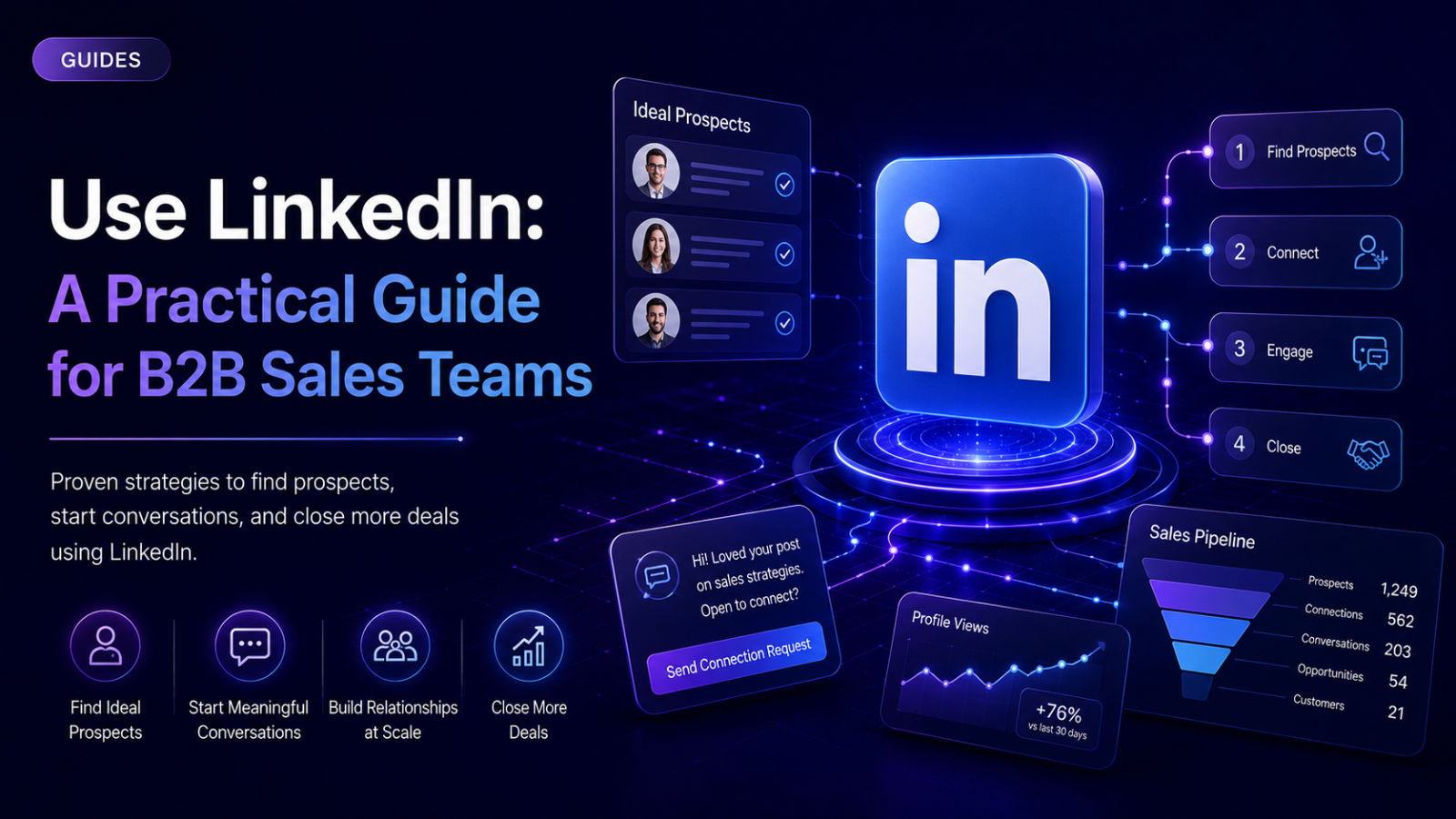
Using LinkedIn effectively for B2B sales means coordinating several distinct things that most people treat as separate: a profile that actually earns trust, precise research and targeting, timing that reflects real buyer intent, and outreach that references something genuine rather than a generic template. Most guides treat these as unrelated tips. In practice they're one system — weak in any single part, the whole thing underperforms regardless of how good the others are. This guide covers what using LinkedIn well actually means, the real step-by-step workflow, where it commonly breaks, and one full worked example.
What "Using LinkedIn" Means for B2B Sales, and When It Actually Matters
LinkedIn isn't one tool — it's a profile, a research platform (basic search and Sales Navigator), a place to publish content, a messaging system, and an advertising platform, all under one login. "Using LinkedIn for B2B sales" means coordinating across these, not picking just one. A perfectly sequenced outreach campaign still underperforms if the profile behind it looks unfinished when a prospect checks — and the reverse is equally true: an excellent profile with no active outreach generates very little on its own.
It matters because B2B buyers use LinkedIn to vet sellers before ever responding. A large share of B2B decision-makers check a seller's profile before replying to outreach — this is well-established across multiple independent sources tracking B2B buyer behavior, even if the exact percentage varies by report. That single fact changes how every other part of this guide should be read: the profile isn't a formality sitting behind the outreach, it's frequently the thing a prospect checks before deciding whether the outreach was worth a reply at all.
It matters less when the audience genuinely isn't there. For consumer-facing products with no professional buying context, LinkedIn's value drops sharply — the platform's strength is specifically its professional, B2B-context audience, and forcing a mismatched audience onto it wastes effort better spent elsewhere.
The Workflow: How to Use LinkedIn Step by Step
Step 1: Build a profile written for the buyer, not as a resume
The headline is the single most-seen piece of real estate on the platform — it shows up in every search result, every comment, every connection request. A headline written like a job title ("Senior Account Executive at Company X") tells a prospect nothing about what's in it for them. A headline written around the problem solved for the buyer performs meaningfully better, because it answers the prospect's actual first question — why should I care — before they've even opened the profile.
The bio deserves the same reframing: written around the prospect's problem and how it gets solved, not a list of the seller's own accomplishments. The Featured section is worth deliberately filling — case studies, a demo video, a relevant article, anything that gives a skeptical prospect checking the profile before replying a reason to trust what the outreach said.
Step 2: Use visibility settings deliberately during research
LinkedIn lets profile visits happen in one of three modes: fully public (name and headline visible to whoever you visit), semi-private (only your job title shown, no name), or fully private (appears as an anonymous member). This is a real, practical lever during the research phase — before reaching out to a prospect, or while researching a competitor, browsing in private or semi-private mode avoids tipping off the person being researched before there's an actual message ready to send. Once research is done and it's time to actually connect or message, switching back to full visibility is worth doing — a visible profile view can itself function as a soft, low-friction first touch before the connection request even arrives.
Step 3: Build precise search criteria, not a broad filter
A standard LinkedIn account offers a meaningful set of search filters; Sales Navigator expands this substantially — dozens of lead-level filters and a comparable number of account-level filters, plus Boolean search operators (AND, OR, NOT, quotation marks, parentheses) for combining terms precisely within fields like job title or keywords. The distinction between lead filters and account filters matters: lead filters find specific people, account filters find companies matching certain criteria — which one to lead with depends on whether the immediate goal is a specific person or a broader account list to work from.
Step 4: Save searches so targeting runs on autopilot
Once a search reliably returns the right kind of prospect, saving it — rather than rebuilding the same filter combination repeatedly — turns one-time research into an ongoing feed, with configurable alert frequency for when new matching profiles appear. This is a small, easily-skipped step that removes a genuinely repetitive piece of manual work.
Step 5: Layer in behavior, not just static attributes
This is the most important shift in how modern LinkedIn targeting actually works, and it's worth understanding even before deciding how deep to go with it: static attributes (job title, company size, industry) describe who someone is, but say nothing about whether they're in a position to act right now. Most prospects matching an ICP on paper aren't in an active buying moment when a message arrives — which is a large part of why message quality alone can't fully fix a low response rate.
Behavioral signals — someone engaging with content on a relevant topic, a company posting a job opening in a department the product serves, a role change at a target account — indicate active attention in a way static fields can't. A comment on a post about a specific problem is a far stronger timing signal than a job title match alone. This doesn't require an elaborate system to start benefiting from — even manually noticing who's engaging with relevant industry content and prioritizing outreach toward them over a cold, static list is a meaningful upgrade in targeting quality.
Step 6: Reach out with a real, specific reason for the message existing now
Whatever the source — a signal, a saved search match, direct research — the message should reference something real: what triggered the outreach, why now, and (if genuine) any real shared context like a mutual connection or shared group. A message that could be sent unchanged to five hundred other people reads as exactly that, regardless of how well-written the individual sentence is.
Step 7: Scale across multiple accounts within real platform limits, if volume requires it
A single account has a real, if unofficial, ceiling — roughly 100 connection requests per week is a widely-cited safe baseline, alongside a similar cap on messages. Trying to push volume past that on one account tends to produce throttling or worse rather than more reach. The correct lever for genuine volume isn't pushing one account harder — it's distributing activity across multiple legitimate accounts (founders, reps, team members with a real reason to be reaching out), each operating within its own safe limits, coordinated so messaging stays consistent across all of them.
Step 8: Triage replies by intent and respond fast
Not every reply needs the same handling — a straightforward categorization (ready to move forward, has an objection, interested but not urgent) helps prioritize attention where it actually matters. Response speed is a real, measurable factor in outcomes: a reply that arrives while a prospect is still in the moment of attention that produced it is meaningfully more likely to keep the conversation moving than one that arrives hours or days later, once that moment has passed.
Step 9: Match the next step to how much intent the conversation shows
A prospect asking direct, specific questions is showing enough intent to make a direct booking-link ask reasonable. A prospect showing interest without that level of specificity is usually better served by one more genuine exchange — answering something, adding a small piece of relevant value — before proposing a call. Every additional required step between interest and a booked meeting is a chance for the conversation to lose momentum, so keeping the final ask simple (a specific time window rather than an open-ended "let me know when works") reduces unnecessary friction.
Common Failure Modes and How to Avoid Them
A strong outreach sequence running behind a thin, resume-style profile. Given how often prospects check a profile before replying, this is one of the most common ways good outreach quietly underperforms — the message did its job, and the profile undid it.
Never using private or semi-private browsing during research. Full-visibility browsing during early competitor or prospect research tips off the person being researched before there's anything ready to send, which can create an awkward or premature first impression.
Targeting on static attributes alone. A well-built list filtered only by job title and company size still reaches mostly people who aren't in an active buying moment — this is a timing problem that message quality alone cannot fix.
Rebuilding the same search manually instead of saving it. A genuinely repeatable piece of manual effort that a saved search with alerts removes almost entirely.
Concentrating all outreach volume on one account. This runs into LinkedIn's real limits quickly and, beyond the hard ceiling, sustained high-volume activity on a single account reads as a pattern worth flagging even before hitting the numeric cap.
Slow reply response time. A reply that sits unanswered for a day loses much of the momentum that made it worth prioritizing in the first place — this is a genuinely time-sensitive part of the process, not a "get to it eventually" task.
Treating every reply as equally ready to move forward. Pushing a booking link on a low-intent, exploratory reply, or over-explaining to someone who's clearly ready, both add friction that a quick intent read would have avoided.
A Practical Outflo Example
Here's how this workflow applies in practice, using Outflo for the parts it's built to handle — and being direct about the parts it isn't.
Profile and research — done manually, outside Outflo: the team optimizes their LinkedIn profiles first (buyer-focused headline, filled Featured section), and uses LinkedIn's native private/semi-private browsing during early research on target accounts. This is native platform behavior, not something Outflo does or needs to.
List building: the team builds a target list using LinkedIn or Sales Navigator search filters, exports or connects it into Outflo (CSV import or an integration like Apollo for enrichment), rather than manually copying profiles one at a time.
Sequencing with real context: inside Outflo, Smart Sequences handle the branching — checking connection and reply status at each step — with AI personalization pulling from each prospect's actual recent LinkedIn activity, so the message references something real rather than inserting a name into a static template.
Scaling safely: if volume requires more than one account, each connected LinkedIn account in Outflo runs on its own dedicated pacing and IP, coordinated under one campaign rather than manually juggling multiple logins.
Reply handling: every reply lands in Outflo's Unified Smart Inbox regardless of which connected account received it, tagged based on actual content — so the team can triage by intent quickly rather than checking multiple inboxes separately, and respond while the moment of attention is still fresh.
What's explicitly out of scope: Outflo doesn't manage profile optimization, doesn't control LinkedIn's private-mode browsing settings, and doesn't replace Sales Navigator's own search and filtering — those stay native LinkedIn actions the team does directly. Outflo picks up once a list exists and outreach needs to run safely and consistently at scale.
This is one realistic slice of the full workflow — the specific research tools and list sources will vary by team, but the sequence (profile → research → precise targeting → context-aware outreach → fast, triaged reply handling) holds regardless of which tools sit in each step.
Checklist and Next Steps
- Profile written for the buyer — headline addresses their problem, not just a job title; Featured section has real proof points
- Private/semi-private browsing used deliberately during research, before outreach is ready to send
- Search criteria built precisely, using available filters (and Boolean operators, if using Sales Navigator) rather than one broad filter
- Repeatable searches saved with alerts, rather than rebuilt manually each time
- At least some behavioral signal considered in targeting, not job title and company size alone
- Outreach references something real — a signal, genuine shared context, specific research — not a message that could go unchanged to hundreds of others
- Volume distributed across multiple accounts if it exceeds what one account can safely handle, not pushed past a single account's real limits
- Replies triaged by intent and responded to quickly, not left to sit
- Next step matched to actual intent shown, not a default booking-link ask regardless of how the conversation is going
Next step: if only one part of this workflow is getting real attention right now, check the profile first — given how often it gets checked before a prospect ever replies, it's the single piece most likely to be quietly undermining everything built on top of it.
Want the outreach, scaling, and reply-triage parts of this workflow handled for you? Start your free Outflo trial — no credit card required.
FAQ
Common questions
Q1: Why do B2B prospects check a LinkedIn profile before responding to outreach?
A1: A large share of B2B buyers use LinkedIn to vet a seller before engaging, since the profile is often the only available signal of credibility before a real conversation starts. A well-built outreach message can still underperform if the profile behind it looks unfinished or purely resume-style.
Q2: Should I use LinkedIn's private browsing mode when researching prospects?
A2: Generally yes during early research — browsing in private or semi-private mode avoids alerting a prospect or competitor before there's an actual message ready to send. Switching back to full visibility once ready to reach out is worth doing, since a visible profile view can itself act as a soft first touch.
Q3: What's the difference between targeting by job title and targeting by behavioral signals?
A3: Job title and company size describe who someone is, but not whether they're currently in a position to act. Behavioral signals (content engagement, a role change, a relevant job posting) indicate real, current attention, which static attributes alone can't capture.
Q4: How many connection requests can I safely send per week on LinkedIn?
A4: A widely-cited safe baseline is around 100 per week per account. Pushing meaningfully past that risks throttling — scaling volume safely means distributing across multiple accounts rather than pushing one account harder.
Q5: How quickly should I respond to a LinkedIn reply?
A5: As fast as realistically possible. A reply that arrives while the prospect is still in the moment of attention that produced their message is meaningfully more likely to keep the conversation moving than one that arrives even a few hours later.
