
The most common LinkedIn mistakes in 2026 are not typos or bad photos. They are strategic: a headline that reads like a job title, a pitch inside the connection request, outreach that ignores what the prospect is actually doing, and treating volume as a substitute for relevance. Each one quietly lowers your acceptance and reply rates without ever showing up as an obvious error. This guide covers nine mistakes that actually move the numbers, why each one hurts, and the fix. It is written for people using LinkedIn to build pipeline, not just to look presentable, though the first fixes help everyone.
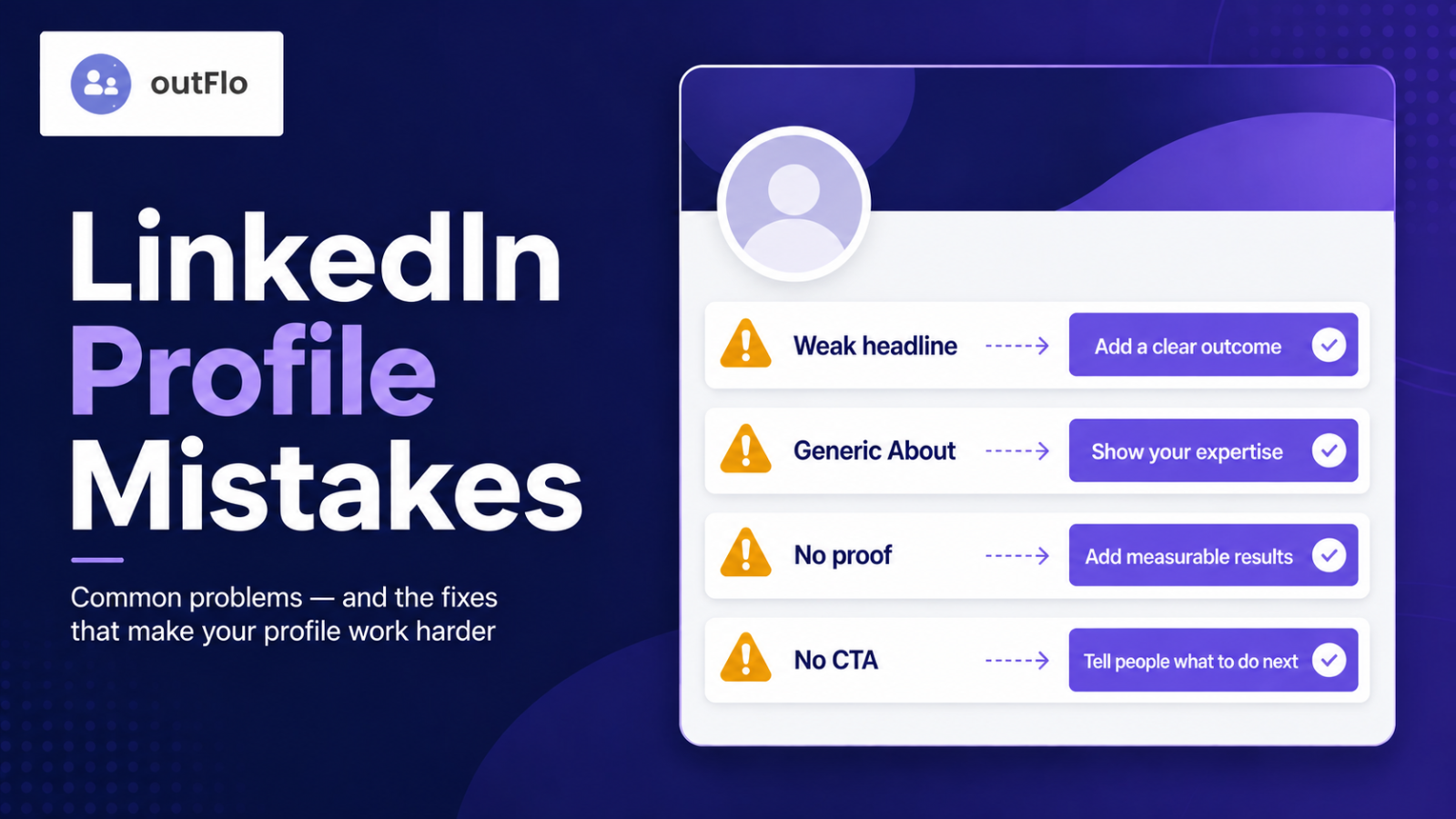
Mistake 1: A headline that only says your job title
The default "Job Title at Company" is the single most common mistake, and it wastes the most-read line on your profile. Your headline appears under your name in search, comments, and every connection request you send, so leaving it as a bare title means every one of those touchpoints says nothing about the value you offer.
The fix is to state your role, who you help, and the outcome you deliver. "Demand Gen Manager | B2B SaaS | Grew pipeline from $2M to $8M" earns a click that "Demand Gen Manager at Acme" never will. Front-load the first 70 characters, since that is all that shows on mobile.
Mistake 2: Pitching inside the connection request
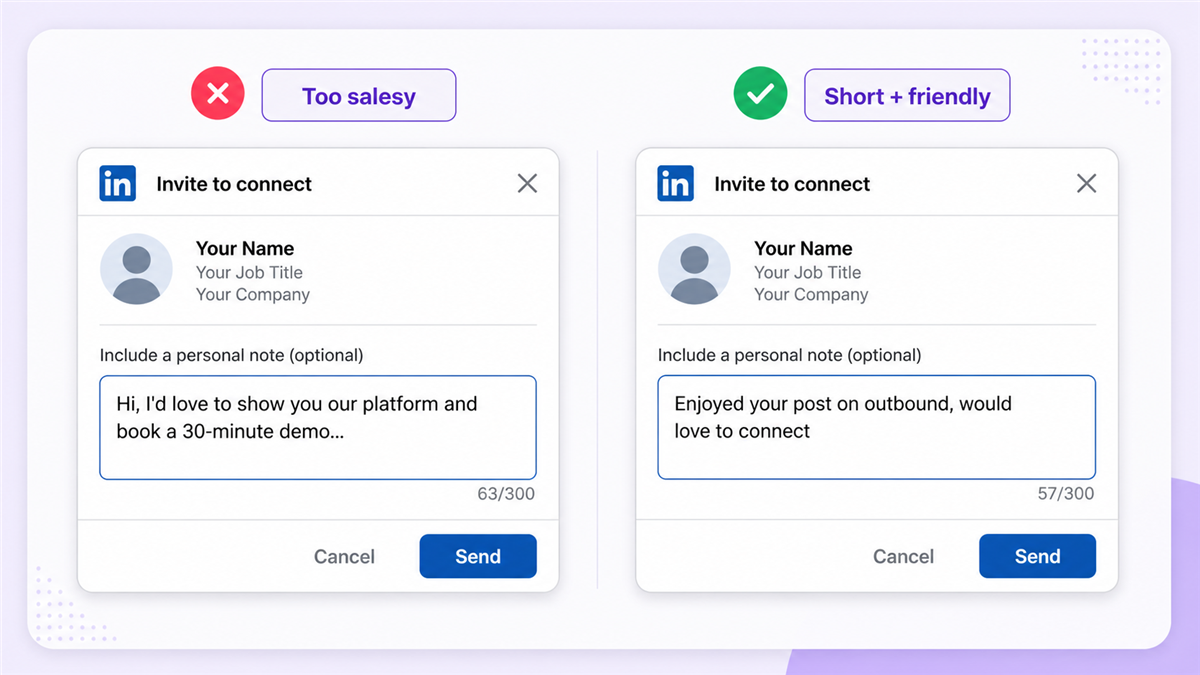
Nothing gets a connection request declined faster than a sales pitch attached to it. Asking someone to buy before they have accepted the invitation asks for far more than the format can carry, and most people reject it on reflex.
The fix is to keep the request small. Either send no note at all, which often accepts at a higher rate, or add one short line of genuine context, a shared event, a comment on their recent post, a mutual connection. Save the value for after they accept, when you have earned a moment of their attention.
Mistake 3: Ignoring the About section
The About section is the part of your profile where a curious prospect decides whether to trust you, and most people leave it blank or paste in a resume summary. A blank About section is a dead end for anyone who clicked through wanting to know more.
The fix is to write it like a story, not a CV. Open with who you help and the problem you solve, in plain language, in the first two lines, since that is all that shows before the "see more" cutoff. Then give the context, the proof, and a reason to reach out. Personality is an asset here, not a risk.
Mistake 4: Connecting with everyone, engaging with no one
A network of ten thousand strangers is weaker than a network of five hundred relevant people who actually recognize your name. Chasing connection count for its own sake dilutes your feed, lowers your engagement rate, and trains the algorithm to show your posts to people who do not care.
The fix is to connect with intent, people in your market, people you have interacted with, people whose work you genuinely follow, and then actually engage with them. A smaller, active network outperforms a large, indifferent one on every metric that matters.
Mistake 5: Treating LinkedIn like Facebook
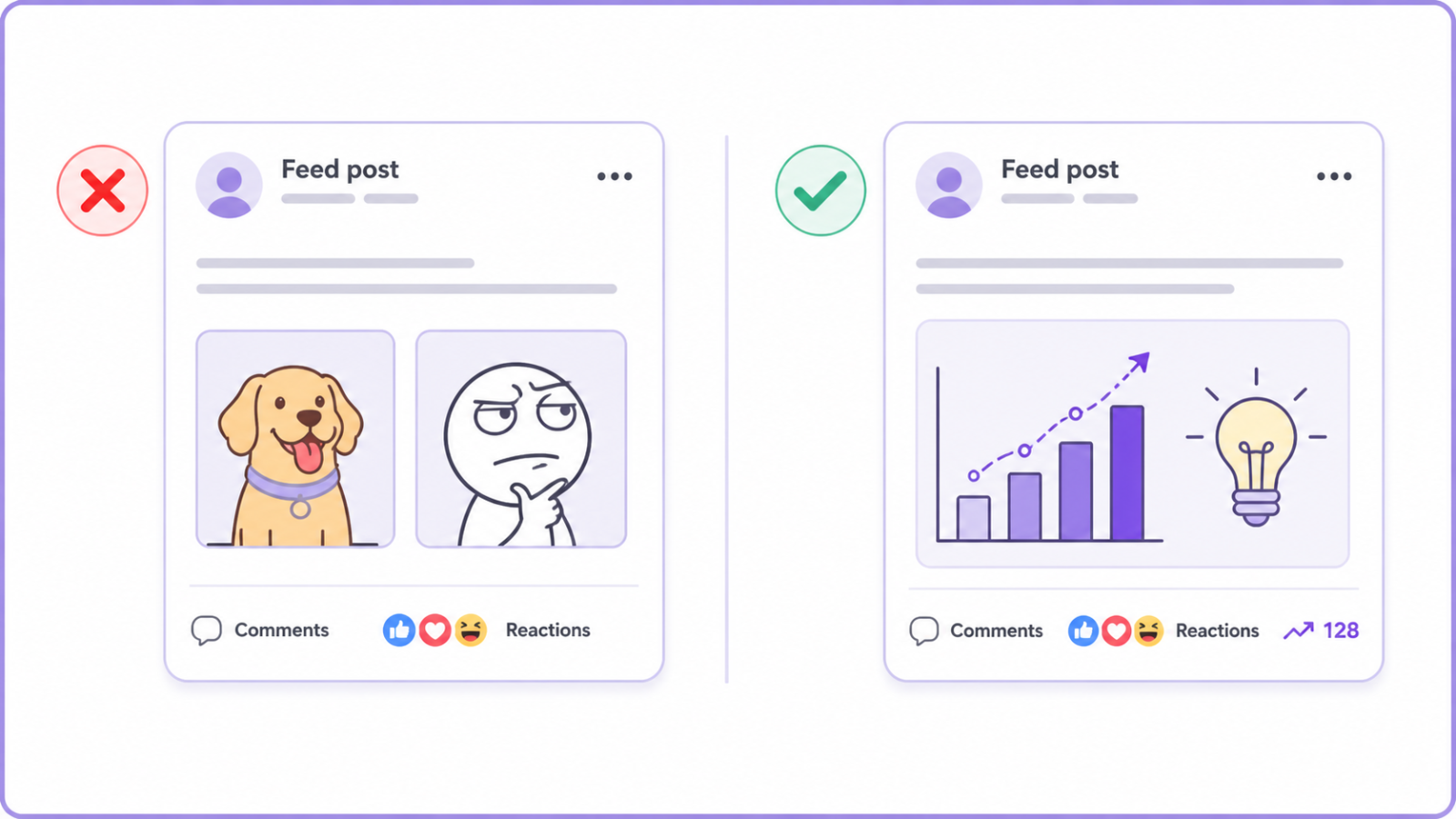
Personal oversharing, off-topic memes, and hot takes on divisive subjects belong on other platforms. They can earn likes, but they blur the professional signal you are trying to send and can quietly cost you with the exact buyers you want to reach.
The fix is to keep posts relevant to your field and useful to your audience. Share a lesson, a result, a contrarian take backed by experience, or a genuine observation from your work. The test is simple: would a prospect read this and think you know your space? If not, it belongs elsewhere.
Mistake 6: Being invisible in the comments
Posting occasionally while never engaging with anyone else is like showing up to a networking event and standing silently in the corner. Passive presence does not build relationships or reach, and the algorithm rewards genuine conversation far more than a lone broadcast.
The fix is to comment thoughtfully on posts from the people you want to reach, before you ever message them. A real, additive comment on a prospect's post puts your name and headline in front of them in a context where you look like a peer, which makes any later outreach far warmer.
Mistake 7: Outreach that ignores what the prospect is doing right now
The most common outreach mistake is the generic template blast, the message that could have been sent to anyone because it references nothing specific about the person. Recipients spot it instantly, and it converts poorly because it signals you did no homework.
The fix is signal-based outreach. Reference something real and current, a post they wrote, a role they just started, a company announcement, and tie it to the reason you are reaching out. One genuinely relevant sentence beats a paragraph of generic role-and-company personalization every time.
Mistake 8: Inconsistent, unsafe automation, or none at all
There are two opposite mistakes here. Some people do everything by hand and cap out fast, unable to keep outreach consistent past a few dozen prospects. Others reach for aggressive automation that blasts requests at unsafe volumes and gets the account restricted. Both cost you.
The fix is measured, safe automation for the repetitive work, profile research, sequencing, follow-up tracking, while keeping the strategy and the personalization human. The right approach respects LinkedIn's limits, ramps new accounts gradually, and stops the moment a prospect replies so a person can take over. This is where OutFlo fits: it runs LinkedIn outreach across your team's real accounts from one cloud workspace, with a dedicated IP per account, adaptive pacing that warms new accounts gradually, AI personalization written from each prospect's live profile, and a unified inbox that pulls every reply into one place. It does not replace your judgment or your relationships, it removes the manual tracking that makes a good outreach process break down around prospect number thirty.
Start your free OutFlo trial · 8-day free trial, no credit card, connect an account in about a minute.
Mistake 9: No follow-up after the connection is accepted
The most wasteful mistake of all is treating an accepted connection request as the finish line. Acceptance is permission to start a conversation, not the conversation itself, and a huge share of potential deals die in the silence right after someone accepts.
The fix is to have a genuine follow-up ready, sent a day or two after they accept, that opens a real conversation rather than launching straight into a pitch. The people who reliably turn connections into conversations are the ones who show up in that window, every time, with something worth replying to.
The bottom line
None of these mistakes is dramatic, which is exactly why they persist. Fix your headline and About section so people who find you understand your value. Connect and engage with intent instead of chasing numbers. Keep the connection request small and the follow-up real. Make outreach specific to what the prospect is actually doing. And automate the repetitive parts safely without letting automation replace the human judgment that makes any of it work. Correct these and LinkedIn stops being a digital resume and starts being a pipeline source.
8-day free trial · No LinkedIn password · One-minute setup
FAQ
Common questions
What is the most common LinkedIn mistake?
Leaving your headline as the default "Job Title at Company." Your headline appears under your name in search, comments, and every connection request you send, so a bare title wastes the most-read line on your profile. State your role, who you help, and the outcome you deliver instead, and front-load the first 70 characters since that's all that shows on mobile.
Should I add a note to my LinkedIn connection request?
Keep it small if you do. Never put a sales pitch in the request, since asking someone to buy before they've accepted gets declined on reflex. Either send no note, which often accepts at a higher rate, or add one short line of genuine context like a shared event or a comment on their recent post. Save the value for after they accept.
Is it better to have more LinkedIn connections or fewer relevant ones?
Fewer relevant ones. A network of ten thousand strangers is weaker than five hundred relevant people who recognize your name. Chasing connection count dilutes your feed, lowers your engagement rate, and trains the algorithm to show your posts to people who don't care. Connect with intent, then actually engage with those people.
Why is my LinkedIn outreach not getting replies?
Usually because it's generic. A template that could have been sent to anyone converts poorly because it signals you did no homework. Use signal-based outreach instead: reference something real and current, like a post they wrote, a role they just started, or a company announcement, and tie it to your reason for reaching out. One relevant sentence beats a paragraph of generic personalization.
Is LinkedIn automation a mistake?
Only when it's done badly. The two opposite mistakes are doing everything by hand, which caps out fast, and aggressive automation that blasts requests at unsafe volumes and gets the account restricted. The right approach automates the repetitive work like research, sequencing, and follow-up tracking while keeping strategy and personalization human, respects LinkedIn's limits, ramps new accounts gradually, and stops the moment a prospect replies.
What should I do after someone accepts my connection request?
Follow up with a real message a day or two later. Acceptance is permission to start a conversation, not the conversation itself, and a large share of potential deals die in the silence right after someone accepts. Send something that opens a genuine conversation rather than launching into a pitch, and do it consistently within that window.
