
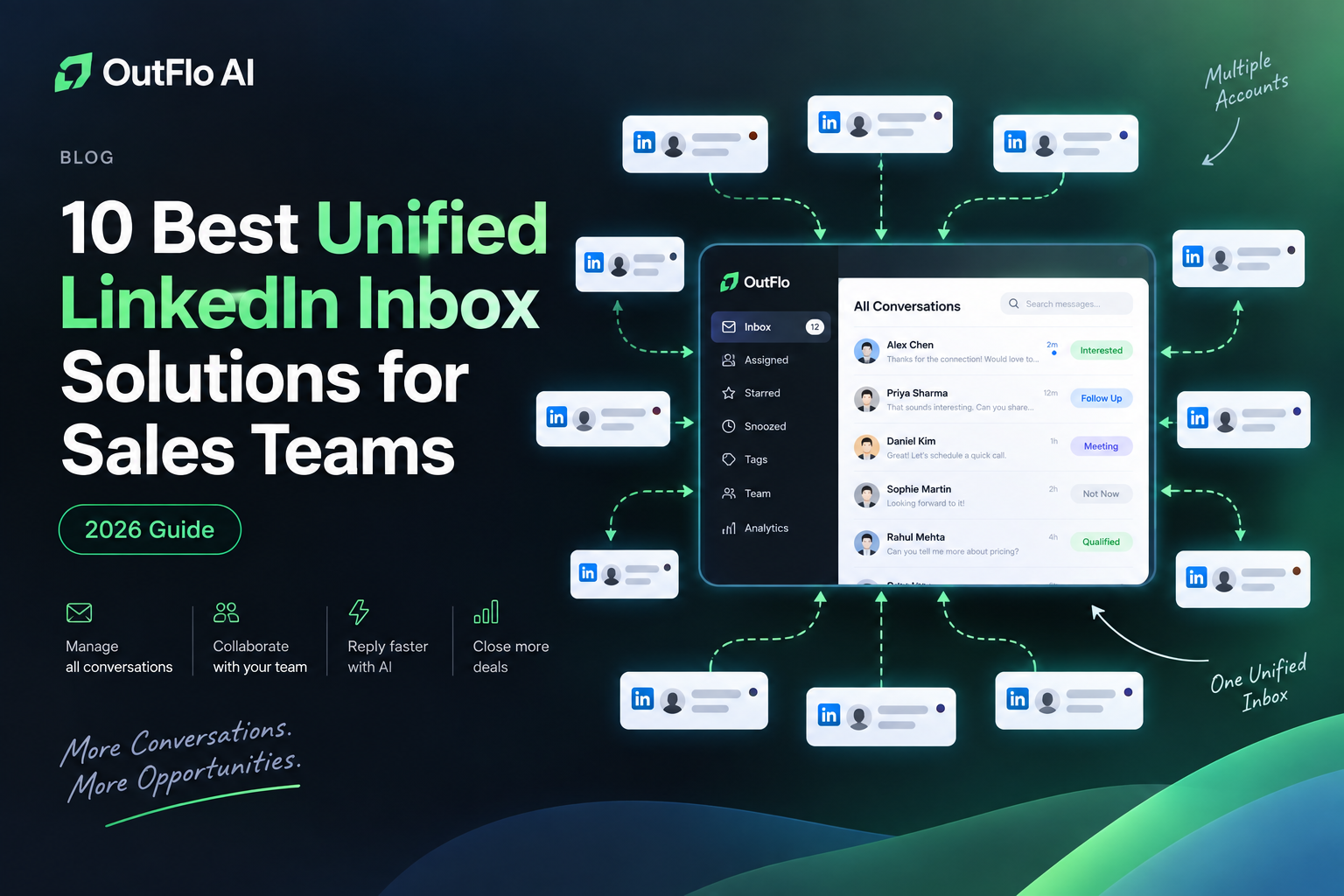
When a team runs LinkedIn conversations across several sender profiles, replies can end up scattered across separate accounts. A unified LinkedIn inbox brings those conversations into one workspace, so reps can see who replied, understand the context, and decide what needs attention.
The phrase “unified inbox” can mean different things from one product to another. Some tools sync most or all LinkedIn conversations. Others show only replies associated with leads or campaigns created inside the platform. A few combine LinkedIn with email in one lead thread. Those differences matter when choosing a shared inbox for a sales team.
Here are ten options to compare. Confirm each tool’s current conversation coverage, account limits, permissions, and pricing before choosing.
Quick comparison
- OutFlo AI: Best for agencies and multi-account GTM teams that want conversations, tags, and AI-assisted replies together.
- HeyReach: Best for agencies coordinating multiple LinkedIn senders.
- Expandi: Best for campaign teams that want a global inbox with labels, tags, and notes.
- La Growth Machine: Best for viewing LinkedIn and email conversations together by lead.
- Dripify: Best for replies from campaign leads; it does not show every LinkedIn message.
- Salesflow: Best for LinkedIn campaign teams; verify current inbox sync and collaboration features directly.
- Skylead: Best for LinkedIn and cold email sequences; confirm shared inbox scope.
- Masterinbox: Best for an inbox-first workflow across LinkedIn accounts.
- Inboxapp: Best for teams tracking social messages and follow-ups in one shared inbox.
- LinkedIn Sales Navigator: Best for native prospecting and messaging; check whether its collaboration model meets shared-team needs.
Rank 1
OutFlo AI: Best for teams managing multiple LinkedIn accounts
OutFlo AI is built for teams running LinkedIn outreach across several sender accounts. Its Smart Inbox centralizes conversations from connected profiles and adds tags and AI-assisted quick replies.
Consider it if: your agency or GTM team wants campaigns and reply handling in one workspace.
Check before choosing: confirm which conversation types sync and how sender access and workspace permissions work.
Rank 2
HeyReach: Best for agency sender operations
HeyReach focuses on coordinating outreach across multiple LinkedIn senders, with an inbox for campaign replies. Its account privacy settings affect whether it tracks campaign conversations only or imports broader inbox activity.
Consider it if: sender coordination and agency operations are your main requirements.
Check before choosing: verify inbox scope, assignment, and access across client workspaces.
Rank 3
Expandi: Best for inbox organization alongside sequences
Expandi’s Global Smart Inbox brings replies together and supports labels, tags, and notes, keeping follow-up work close to campaign activity.
Consider it if: you want inbox organization tied to campaign workflows.
Check before choosing: test how it handles non-campaign conversations and team handoffs.
Rank 4
La Growth Machine: Best for LinkedIn and email in one thread
La Growth Machine groups LinkedIn and email conversations by lead. Filters and snoozing help reps find conversations that need attention. This is useful when you want channel history together, not only several LinkedIn accounts in one view.
Consider it if: your outbound motion alternates between LinkedIn and email.
Check before choosing: confirm included channels and how shared access works.
Rank 5
Dripify: Best for campaign-lead reply management
Dripify’s Smart Inbox lets users reply to leads from its dashboard, add notes, and mark conversations as important. Its help documentation says the inbox is for leads and does not show LinkedIn messages unrelated to those leads.
Consider it if: you mainly need to handle replies generated by Dripify campaigns.
Check before choosing: campaign-only inbox coverage may not suit teams needing every LinkedIn conversation.
Rank 6
Salesflow: Best for CRM-connected outreach workflows
Salesflow connects LinkedIn campaign workflows with reply management and CRM processes.
Consider it if: LinkedIn prospecting and structured sales follow-up are both priorities.
Check before choosing: ask for a walkthrough of its current sync, account coverage, and assignment features.
Rank 7
Skylead: Best for LinkedIn and cold email sequences
Skylead combines LinkedIn automation with cold email sequences. Confirm whether its current conversation view supports your team’s shared reply workflow.
Consider it if: combining LinkedIn and email outreach in one sequence is important.
Check before choosing: verify shared inbox capabilities and team collaboration in a trial.
Rank 8
Masterinbox: Best for an inbox-first LinkedIn workflow
Masterinbox describes a shared LinkedIn inbox across multiple accounts, with conversation context, assignment, and reply tools.
Consider it if: you already have a prospecting stack and need a dedicated workspace for LinkedIn replies.
Check before choosing: test account connections, permissions, and conversation ownership.
Rank 9
Inboxapp: Best for social messages and follow-ups
Inboxapp brings LinkedIn and other social messages into a shared inbox with contact context and follow-up tracking.
Consider it if: you want a broader conversation workspace across social channels.
Check before choosing: verify product availability, connection method, and supported LinkedIn message types.
Rank 10
LinkedIn Sales Navigator: Best for native sales prospecting
Sales Navigator provides LinkedIn lead and account research with native messaging access. It can suit individual reps who want sales context near their LinkedIn activity.
Consider it if: prospect discovery and LinkedIn-native context matter more than combining many sender inboxes.
Check before choosing: distinguish a rep’s Sales Navigator inbox from a shared inbox across employee profiles.
What to look for in a LinkedIn shared inbox
Test these details in a real workflow before choosing a LinkedIn inbox management tool:
1. Conversation coverage: Does it sync all messages, campaign replies, or selected lead conversations?
2. Account scale: How many senders can it cover, and what does that cost at your expected scale?
3. Ownership: Can reps assign conversations and avoid duplicate replies?
4. Context: Does each thread show sender, campaign, lead details, notes, tags, and history?
5. Reply identity: Can reps respond in the shared workspace, and is the sending LinkedIn account clear?
6. Permissions: Can agencies keep client workspaces and account access separate?
7. Channels: Do you need LinkedIn only or LinkedIn and email in the same lead thread?
8. Connection model: Review the vendor’s setup, security documentation, and LinkedIn’s current terms.
Which LinkedIn unified inbox should you choose?
The best LinkedIn unified inbox depends on what “unified” means for your team. For multiple sender profiles, prioritize account coverage, permissions, assignment, and clear sender identity. For LinkedIn and email together, look for lead-level multichannel threads. For campaign-based outreach, a Smart Inbox limited to campaign leads may be sufficient.
Start by comparing OutFlo AI, HeyReach, and Expandi for multi-account LinkedIn outreach. Look at La Growth Machine for LinkedIn and email conversation history, and compare Masterinbox or Inboxapp if you need an inbox-first layer alongside your existing prospecting stack.
A useful shared inbox makes it clear who replied, what happened before, and what the next action should be. Choose the tool that makes that routine easiest for your team to follow.
Frequently asked questions
What is a LinkedIn unified inbox?
It is a workspace that brings LinkedIn conversations from one or more accounts into a single view. Depending on the tool, it may include every message, campaign replies, or LinkedIn and email conversations by lead.
Can multiple people manage one LinkedIn inbox?
Some tools let teams view, assign, tag, and reply to conversations from connected accounts. Check access controls, ownership, and sender identity before rollout.
Does a unified LinkedIn inbox show every message?
Not always. Some tools sync only conversations tied to leads or campaigns. Check the vendor’s sync scope and privacy settings.
Is a LinkedIn inbox tool the same as a CRM?
No. An inbox organizes conversations and response work. A CRM tracks broader relationships, pipeline stages, and sales records. Some products combine parts of both.
What is the difference between a LinkedIn inbox and a multichannel inbox?
A LinkedIn inbox consolidates LinkedIn messages. A multichannel inbox may also put email and other channels into a shared lead conversation. Check that channel and sender remain clear in each reply.
