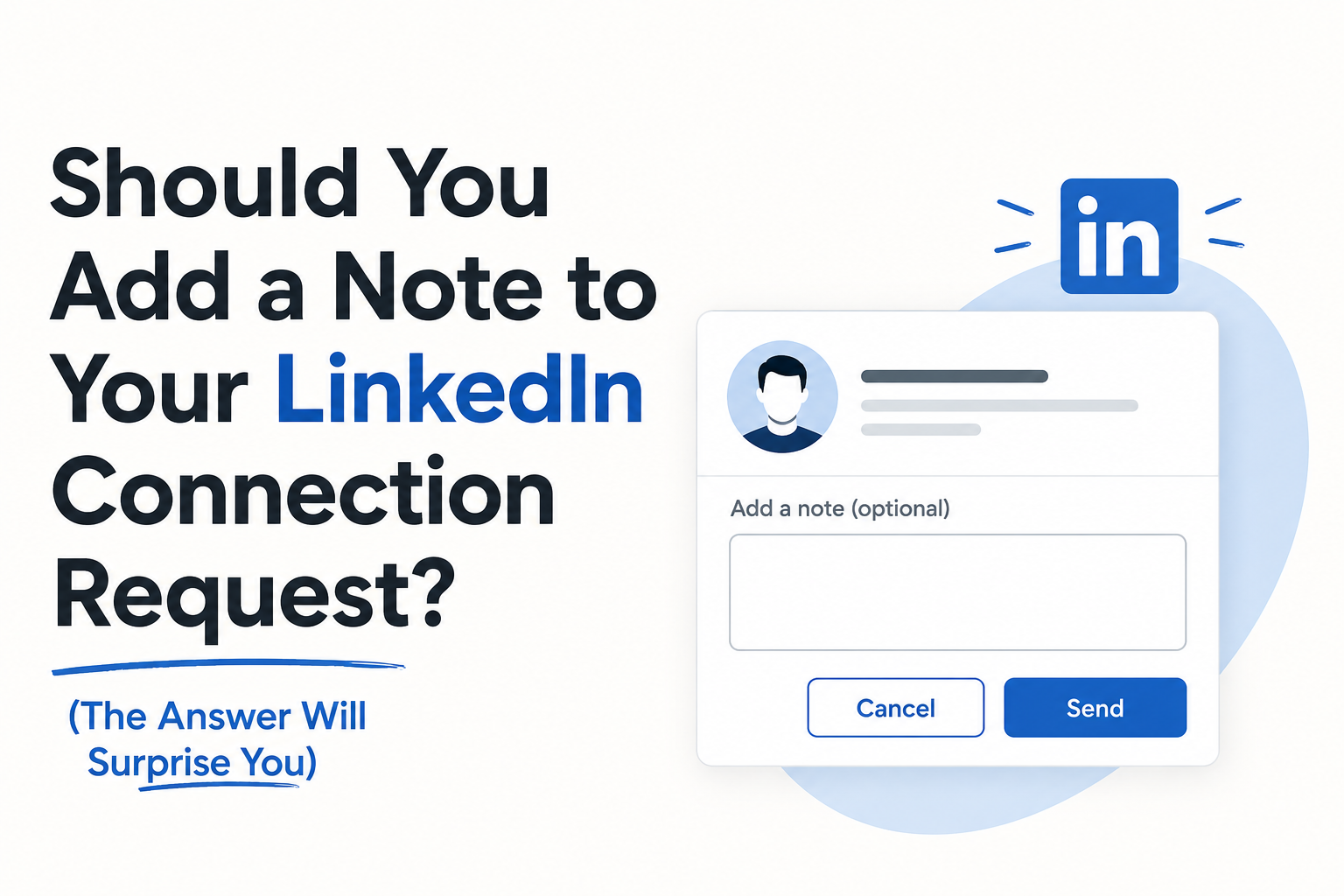
Add a note when you have a specific, honest reason to connect. For a relevant prospect without shared context, a blank request is a reasonable option to test. A generic pitch disguised as a connection note gives the recipient little reason to accept.
The useful question is whether the note adds context. Acceptance alone is not the final outcome: measure replies and relevant conversations too.
When a note helps
Use a note after an event, an introduction, a useful exchange or a genuinely relevant post. Explain how the recipient knows you or why connecting makes sense. Keep a sales pitch for a later conversation.
These are synthetic examples. Use the context only when it is true:
- After an event: “Good speaking with you about agency onboarding at the meetup. Happy to stay connected.”
- After an introduction: “Sam suggested we connect because we both work on client outreach operations. Would be good to compare notes.”
- After a relevant post: “Your post about handing client replies back to their team raised a useful question. I work on that workflow too and would like to connect.”
When to send a blank request
Consider a blank invitation when your profile explains who you are and there is no useful shared detail. Do not manufacture familiarity to fill the note field. If the prospect is unrelated to your work or audience, reconsider the request itself.
What to avoid
“Love what you’re doing” is not meaningful personalization without a specific detail. An invitation that immediately asks for a demo may feel like a pitch before the recipient has agreed to a conversation. Avoid claims about a person or their company that you have not checked.
Test notes and blank invitations fairly
Use comparable prospect lists and sender profiles. Record invitations sent, acceptances, replies and qualified conversations for each group. Keep the follow-up and observation window comparable. A higher acceptance rate does not automatically mean more useful conversations.
A reply rate among accepted connections has a different denominator from a reply rate among all invitations. Label both explicitly. Do not turn a result from one agency or benchmark study into a universal rule.
Plan the follow-up before sending
Once a connection is accepted, send a relevant message that follows naturally from the reason for connecting. Decide how your sequence responds to acceptance and replies, and review its timing before launching. OutFlo Smart Sequences helps teams inspect those branches. Unibox brings replies across connected senders into one review workflow.
Common questions
Is a personalized note always better?
No single approach works for every audience. Add a note when it contributes truthful context, then measure the conversations it produces.
Can I add context after connecting?
Yes. Once the invitation is accepted, an ordinary message can explain your reason for connecting. Check the current LinkedIn interface for invitation editing or withdrawal options.
How long should a note be?
Keep it brief enough to read easily and stay within the limit shown by LinkedIn for your account. Do not rely on a fixed limit copied from an older guide.