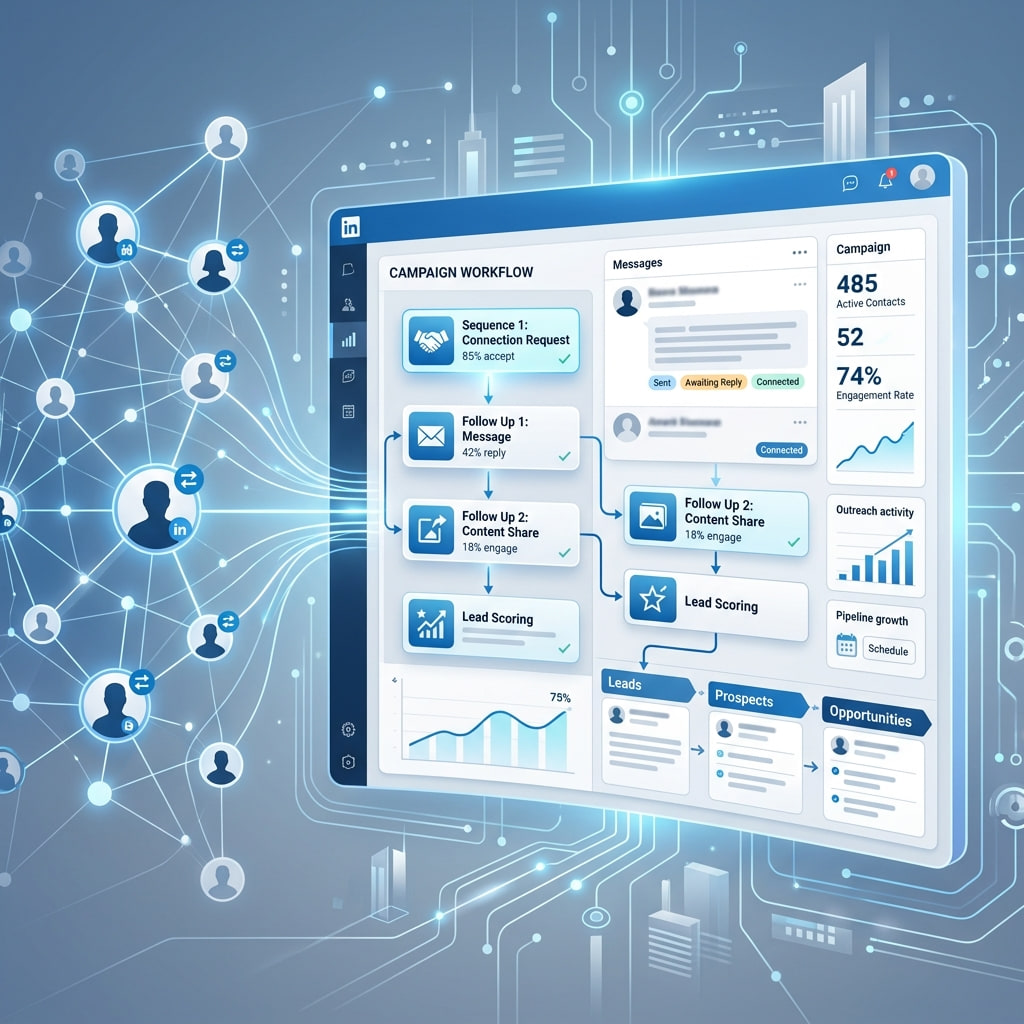
The landscape of sales automation and artificial intelligence is shifting from static workflow builders to agentic AI workflows. Rather than manually clicking through dashboards or configuring rigid trigger-action tools, modern GTM engineering teams are deploying autonomous AI agents that reason, analyze, and execute outbound campaigns dynamically.
At the center of this revolution is the Model Context Protocol (MCP), an open standard introduced by Anthropic that enables AI models and LLM agents to securely connect with external tools, APIs, and business systems.
With the release of the Outflo MCP Server (`https://mcp.outflo.io/mcp`), your favorite AI environments—including Cursor, Windsurf, Claude Desktop, VS Code (Cline / Roo Code), and OpenAI Codex—can interact directly with Outflo’s infrastructure.
In this architectural deep dive and guide, we explore how Outflo MCP works under the hood and how you can leverage it to run autonomous AI SDR operations directly from your developer workspace.
Step 1
Under the Hood: Outflo MCP Architecture & Security
To support secure agentic execution across enterprise sales teams, the Outflo MCP Server relies on strict authentication protocols and multi-tenant scoping rules defined in Outflo's backend service layer.
Secure OAuth 2.0 & OIDC Bearer Token Authentication
Outflo MCP implements OpenID Connect (OIDC) authentication. When your AI agent or editor connects to `https://mcp.outflo.io/mcp`, authentication is validated via cryptographic Bearer tokens.
- Audience Verification: Every request strictly validates the resource audience (`OAUTH_MCP_RESOURCE`).
- Internal Gateway Security: High-velocity background agents utilize internal cryptographic headers (`x-mcp-internal-key`) to communicate securely with Outflo's microservices.
Strict Multi-Workspace Isolation
One of the core design pillars of Outflo is workspace isolation. The MCP server respects Outflo's centralized workspace enforcer middleware (`publicWorkspaceEnforcer`):
- Scoped Operations: When an AI agent executes actions (e.g., pulling lead lists or retrieving inbox messages), operations are strictly restricted to the authorized `workspaceId`.
- Zero Data Bleed: Agentic commands cannot accidentally cross client boundaries or leak prospect data across separate workspaces in multi-tenant setups.
Step 2
Agentic Capabilities: Tools Exposed by Outflo MCP
Connecting an AI agent to Outflo MCP gives your assistant structured tool invocations to manage your entire LinkedIn sales lifecycle programmatically.
Campaign Management & Analytics
- `list_campaigns`: Returns real-time metadata, status (Active, Paused, Completed), and performance metrics across campaigns.
- `manage_campaign_state`: Allows agents to programmatically launch, pause, or resume campaigns based on reply performance or target quotas.
- `get_campaign_analytics`: Delivers detailed connection acceptance rates, reply percentages, and bounce metrics.
Prospect Ingestion & List Building
- `ingest_prospects`: Feeds enriched lead lists (generated by AI scraping or data verification scripts) directly into Outflo sequences.
- `add_lead_to_active_campaign`: Dynamically injects high-intent leads into running outreach cadences in real time.
Smart Inbox & Conversational Sales
- `get_inbox_messages`: Fetches recent prospect replies and conversation threads across connected LinkedIn profiles.
- `send_smart_reply`: Enables autonomous SDR agents to analyze prospect sentiment, generate context-aware responses, and dispatch replies directly through connected sender accounts.
Step 3
How to Connect Outflo MCP to Your AI Workspace
Setting up Outflo MCP inside your developer environment takes less than two minutes. Below are configuration examples for leading AI environments.
Configuring Cursor / Windsurf / VS Code (Cline / Roo Code)
In your editor's MCP settings panel or configuration JSON, add the Outflo MCP endpoint:
{
  "mcpServers": {
    "outflo": {
      "url": "https://mcp.outflo.io/mcp",
      "headers": {
        "Authorization": "Bearer YOUR_OUTFLO_OIDC_TOKEN"
      }
    }
  }
}
Configuring Codex CLI / Claude Desktop
Add the endpoint under `mcp_servers` in your configuration file (e.g., `~/.codex/config.toml` or `claude_desktop_config.json`):
[mcp_servers.outflo-prod]
url = "https://mcp.outflo.io/mcp"
Once configured, run the authentication command in your terminal:
codex mcp login outflo-prodThis opens a browser window to authenticate with your Outflo credentials, granting your AI assistant secure access to your outreach pipeline.
Step 4
Real-World Use Cases for AI-Driven Sales Teams
- Use Case
- Autonomous AI SDR
- Autonomous Agent Workflow
- Agent monitors Smart Inbox for incoming replies
- classifies intent (Meeting Request
- Objection
- Out of Office)
- and drafts/sends personalized responses.
- Impact
- 80% reduction in manual reply management time.
- Use Case
- Real-Time Lead Enrichment
- Autonomous Agent Workflow
- Agent scrapes high-intent leads from GitHub or web signals
- verifies emails
- and calls `add_lead_to_active_campaign`.
- Impact
- Instant outbound execution for newly identified prospects.
- Use Case
- Dynamic Campaign Throttling
- Autonomous Agent Workflow
- Agent monitors account safety metrics and connection acceptance rates
- automatically adjusting daily quotas to maintain profile health.
- Impact
- Zero account restriction risks during high-volume pushes.
| Use Case | Autonomous Agent Workflow | Impact |
|---|---|---|
| Autonomous AI SDR |
| 80% reduction in manual reply management time. |
| Real-Time Lead Enrichment |
| Instant outbound execution for newly identified prospects. |
| Dynamic Campaign Throttling |
| Zero account restriction risks during high-volume pushes. |
Summary
The Outflo MCP Server transforms LinkedIn outreach from manual campaign setup into an intelligent, autonomous background process. By bridging LLM reasoning directly with Outflo's robust infrastructure, sales engineers and growth hackers can build the next generation of automated outbound engines.
Ready to connect your AI assistant? Explore our MCP Setup Guide or test out the server at mcp.outflo.io.