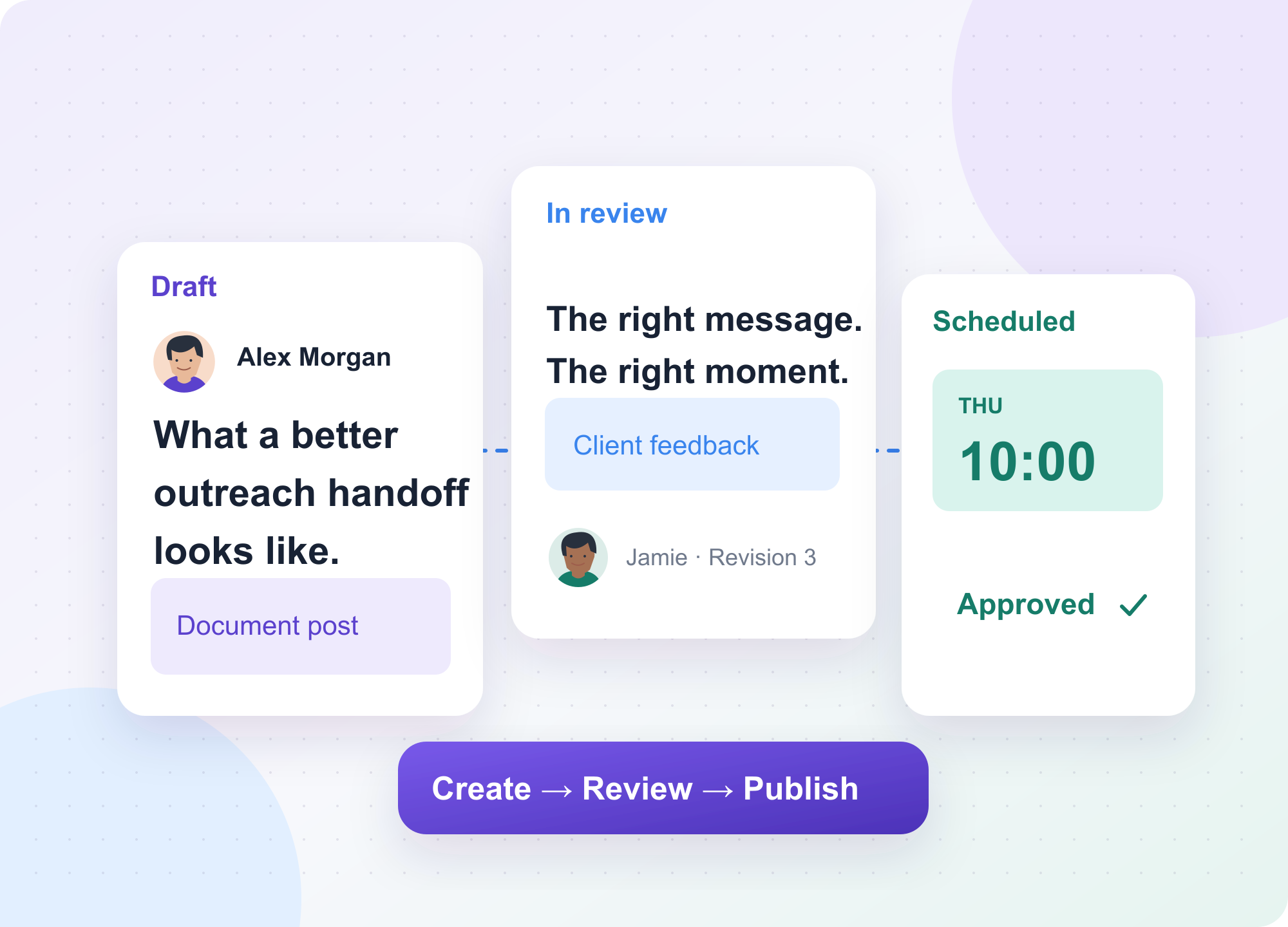
Choose a LinkedIn post scheduling tool by following one real post from draft to publication. A solo founder might only need a queue. An agency needs a client to approve the right revision, a teammate to confirm the publishing identity, and someone to catch a failed delivery. Those jobs make different tools worth paying for.
We compared the options below using product documentation and pricing pages reviewed on November 4, 2026. OutFlo publishes this guide and is included in the comparison.
Six LinkedIn post scheduling tools compared
- LinkedIn native scheduling for an occasional company Page post.
- Buffer for a shared calendar across social channels.
- Planable for agencies that organize publishing around client approvals.
- Supergrow for teams helping several people write and publish on LinkedIn.
- SocialBee for scheduling by content category.
- OutFlo for existing OutFlo teams that want client review and LinkedIn publishing in the same workspace.
Step 1
LinkedIn native scheduling for occasional Page posts
If a Page admin writes and publishes most posts, start with LinkedIn’s own scheduler. The Page admin can set a publication time and return to scheduled posts to reschedule or delete them. There’s no separate scheduling subscription to add. The operational question is where the team records approval if someone outside LinkedIn reviews the copy. LinkedIn Page posts FAQ.
Step 2
Buffer for a calendar across social channels
Buffer makes sense when the same team publishes to LinkedIn and other networks. Its published Free plan covers up to three channels with up to ten scheduled posts per channel at a time. Its pricing page lists Essentials at $5 per month for one channel on annual billing, or $60 billed yearly. The Team plan adds content approvals and access levels. Count the actual accounts you’ll connect before comparing costs. Two LinkedIn profiles and a company Page can represent three channels even if they belong to the same business. Buffer for LinkedIn · Plans and billing.
Step 3
Planable for client feedback and approvals
Planable is a fit when the bottleneck is sign-off. Its LinkedIn workflow brings planning, review, approval, and scheduling into a client-facing collaboration process. During a trial, ask a client to request a change and approve the edited version. Check whether the approval setup you need is included on the plan you’re pricing, especially if more than one person must sign off. Planable’s LinkedIn workflow · Planable pricing.
Step 4
Supergrow for a LinkedIn-first writing team
Supergrow combines drafting and repurposing with a LinkedIn calendar, queue, and first-comment scheduling. It also advertises team feedback and approvals. Consider it when helping subject-matter experts get ideas into drafts takes more time than scheduling the finished copy. Give two teammates the same source material and see whether the workflow preserves each person’s voice after editing. Supergrow product and team features.
Step 5
SocialBee for scheduling by content category
SocialBee is worth comparing when your team plans around categories such as customer stories, educational posts, and announcements. Use categories to make gaps visible in the calendar. Before enabling any recurring schedule, check who can retire a post when the underlying offer, statistic, or screenshot becomes outdated. SocialBee’s LinkedIn scheduler.
Step 6
OutFlo for external review in an existing OutFlo workspace
OutFlo’s LinkedIn Social Outreach workflow keeps the draft, publishing identity, review and delivery result together. An external reviewer can receive an email invitation, leave feedback, and approve or request changes without joining the workspace. This is particularly useful when a client owns the profile and the agency writes the post. The publishing guide documents the requirement for an eligible organization and an active connected account. Confirm availability and the exact publishing identity before committing to a client calendar. External reviewer workflow · OutFlo publishing walkthrough.
Run a one-post trial before buying
1. Connect the exact profile or Page you plan to use and verify the publishing permissions.
2. Draft a post in the format you use most often, with the same media and links you normally publish.
3. Ask the reviewer to request one edit. Check which revision gets approved and whether editing changes its approval state.
4. Schedule the approved copy for a specific time zone. Verify that the live post matches the preview and that someone can see a failure if publishing is interrupted.
5. Price the workflow for your real number of accounts, reviewers and clients. Compare annual commitments separately from monthly billing.
Start with the tool that solves the step your team actually struggles with. If the post is already approved and ready to go, a simple calendar is enough. If the last edit still lives in a client’s email thread, test the approval flow before comparing calendar features.
FAQ
Common questions
Can I schedule LinkedIn Page posts for free?
Yes. LinkedIn Page admins can schedule posts directly on LinkedIn. A separate tool becomes useful when the team needs a shared calendar, a review workflow, or scheduling across several social accounts.
What should agencies look for in a LinkedIn post scheduler?
Test whether clients can request edits and approve the exact revision that will publish. Check who can select the publishing identity, what happens when an approved draft changes, and who sees a failed delivery.
Can a client approve a LinkedIn post without an OutFlo account?
Yes. OutFlo External Reviewers can receive an email invitation, leave feedback, and approve or request changes without joining the workspace. Publishing requires an eligible organization and an active connected account.